

Apple announced the M5 MacBook Air on March 4, 2026, and if the name makes it sound like a modest annual refresh, the internals tell a different story. This is the first MacBook Air to carry Apple's N1 wireless chip, the first to ship with 512 GB of storage as the baseline, and the first to bring the third-generation Neural Accelerator GPU architecture — first seen in last fall's MacBook Pro — to a fanless, sub-$1,100 chassis. It's available for pre-order today and starts shipping March 11 in both 13-inch and 15-inch configurations.
The M4 MacBook Air was already a strong machine. The M5 version isn't a revolution in design — the aluminum chassis, the Liquid Retina display, the two Thunderbolt 4 ports and fanless cooling are all carry-overs. What changed is everything under the lid. And in this case, that's enough to matter.
The M5 Chip: What's Actually Different
The M5 in the MacBook Air is the same chip that debuted in the 14-inch MacBook Pro and iPad Pro back in October 2025. It's built on TSMC's third-generation 3-nanometer process and features a 10-core CPU. Apple's benchmarks, backed up by independent testing during the MacBook Pro launch, show roughly 14 percent faster single-core performance and 22 percent faster multi-core performance compared to M4. Those aren't dramatic jumps on their own, but they compound across every workload you throw at the machine.
The GPU is where the M5 story gets more interesting. It scales to a 10-core configuration and carries a Neural Accelerator built into every single GPU core — a new architectural approach Apple introduced with this chip generation. The result is a claimed 4x improvement in peak GPU compute for AI tasks compared to M4, and a 50 percent improvement in gaming frame rates in Apple's own benchmarks using 3DMark Solar Bay Extreme, where the M5 held approximately 100 fps against the M4's 70. The third-generation ray-tracing engine is part of this, delivering up to 6.5x faster ray-traced rendering in Blender compared to the M1 Air, and 1.5x faster than M4.
Memory bandwidth climbs to 153 GB/s — a 28 percent increase over the M4. That number matters because unified memory bandwidth determines how fast the CPU, GPU, and Neural Engine can all pull data simultaneously. Faster bandwidth means smoother multitasking, faster app launches, and better sustained performance during tasks that saturate multiple compute units at once. Base unified memory remains 16 GB, with 24 GB and 32 GB options available at configure time.
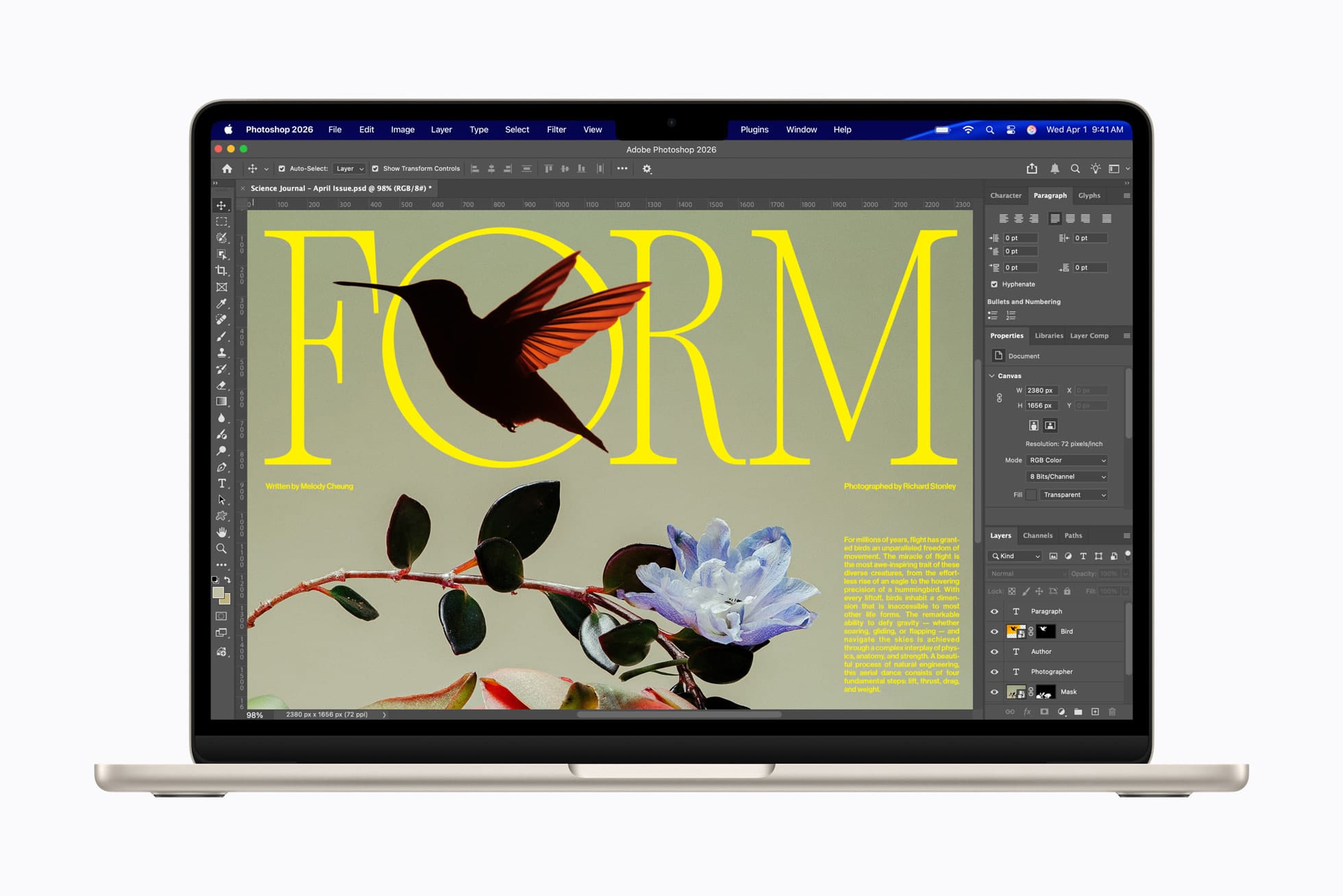
Apple's AI performance claims are substantial: up to 4x faster AI tasks than MacBook Air with M4, up to 9.5x faster than M1. Real-world AI workloads like Topaz Video AI enhancement run up to 6.9x faster than the M1 Air, and 1.9x faster than M4. Affinity image processing clocks in at 2.7x faster than M1, 1.5x faster than M4. These aren't theoretical maximums — they represent the kinds of tasks creative professionals actually run.
Neural Accelerators: What They Are and Why They Matter
Every GPU core in the M5 includes a dedicated Neural Accelerator. To understand why that's significant, it helps to understand what these units actually do. Traditional GPU cores are optimized for graphics rendering — shading, rasterization, geometry processing. Neural Accelerators are hardware specifically designed for the matrix multiplication operations that dominate machine learning inference: the math behind image generation, video enhancement, real-time translation, large language model processing, and the expanding suite of Apple Intelligence features baked into macOS Tahoe.
By embedding a Neural Accelerator in each GPU core rather than treating it as a separate, shared resource, Apple dramatically increases the parallel throughput available for AI computation. The M5's 10-core GPU effectively has 10 simultaneous AI inference engines running alongside its rendering pipeline. This is how Apple can claim 4x peak GPU compute for AI while showing only moderate improvements in traditional graphics benchmarks — the gains are specifically concentrated in the workloads that increasingly define what modern software does.
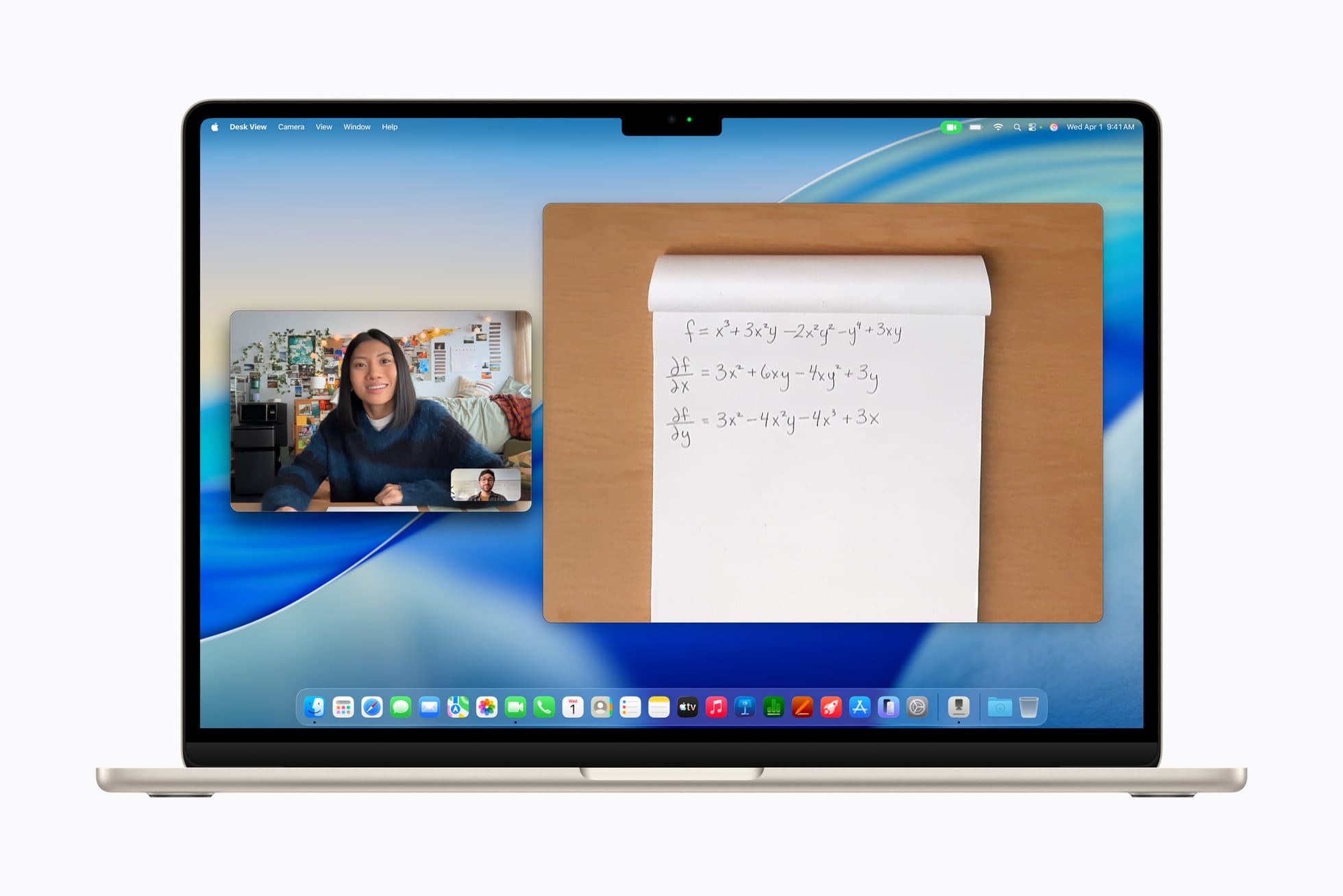
For everyday macOS users, the immediate payoff is in Apple Intelligence: faster Writing Tools, quicker on-device Siri responses, snappier image generation in Image Playground, and lower latency for real-time features like Live Voicemail and Call Recording transcription. As Apple Intelligence matures through macOS Tahoe updates, the M5's Neural Accelerator architecture is what makes those improvements possible without offloading to Apple's servers.
Storage: Doubled Baseline, Faster Speeds
Apple has doubled the base storage from 256 GB to 512 GB across both the 13-inch and 15-inch models. The maximum configurable storage jumps to 4 TB. But the headline number undersells the actual upgrade, because the underlying SSD technology has been improved alongside the capacity increase. Read and write speeds are approximately double what shipped in the M4 Air, which means large file transfers, project loads, and system operations all feel meaningfully faster — not just "more space."
This matters practically. The 256 GB floor on previous Air models created real friction for anyone doing photo libraries, video projects, development environments, or running multiple virtual machines. 512 GB doesn't eliminate storage management entirely, but it pushes the "I'm out of space" conversation out by a meaningful margin for most users. The 4 TB ceiling is new territory for the Air lineup and accommodates professional workflows that previously required an external drive.
Wi-Fi 7 and Bluetooth 6 via the N1 Chip
The M5 MacBook Air is the first MacBook to include Apple's N1 wireless chip, and that's worth dwelling on because it's a quiet but real upgrade. The N1 debuted with the iPhone lineup last fall and came to the iPad Pro in October — but was conspicuously absent from the M5 MacBook Pro released at the same time as the iPad Pro, leaving that machine on Wi-Fi 6E and Bluetooth 5.3. The Air gets it first in the Mac lineup.
Wi-Fi 7 delivers substantially higher throughput than Wi-Fi 6E — theoretical maximums reach 46 Gbps, though real-world gains depend entirely on your access point and network environment. More practically, Wi-Fi 7 introduces Multi-Link Operation, which allows devices to simultaneously use multiple frequency bands (2.4 GHz, 5 GHz, and 6 GHz) to reduce latency and improve reliability. For users on enterprise Wi-Fi 7 infrastructure, or consumers who have upgraded their home routers in the last year, the Air will hold a consistent, lower-latency connection than any previous MacBook. Bluetooth 6 improves audio quality, connection stability, and power efficiency for wireless peripherals.
Apple includes a beefier 40W USB-C power adapter in the box with the M5 Air — up from 30W previously — which accelerates charge time slightly. The 18-hour battery life claim remains the same as M4, which reflects both how efficient the M5 architecture has become and how difficult it is to improve on a figure that already covers most full working days.
Design: Unchanged, and That's the Right Call
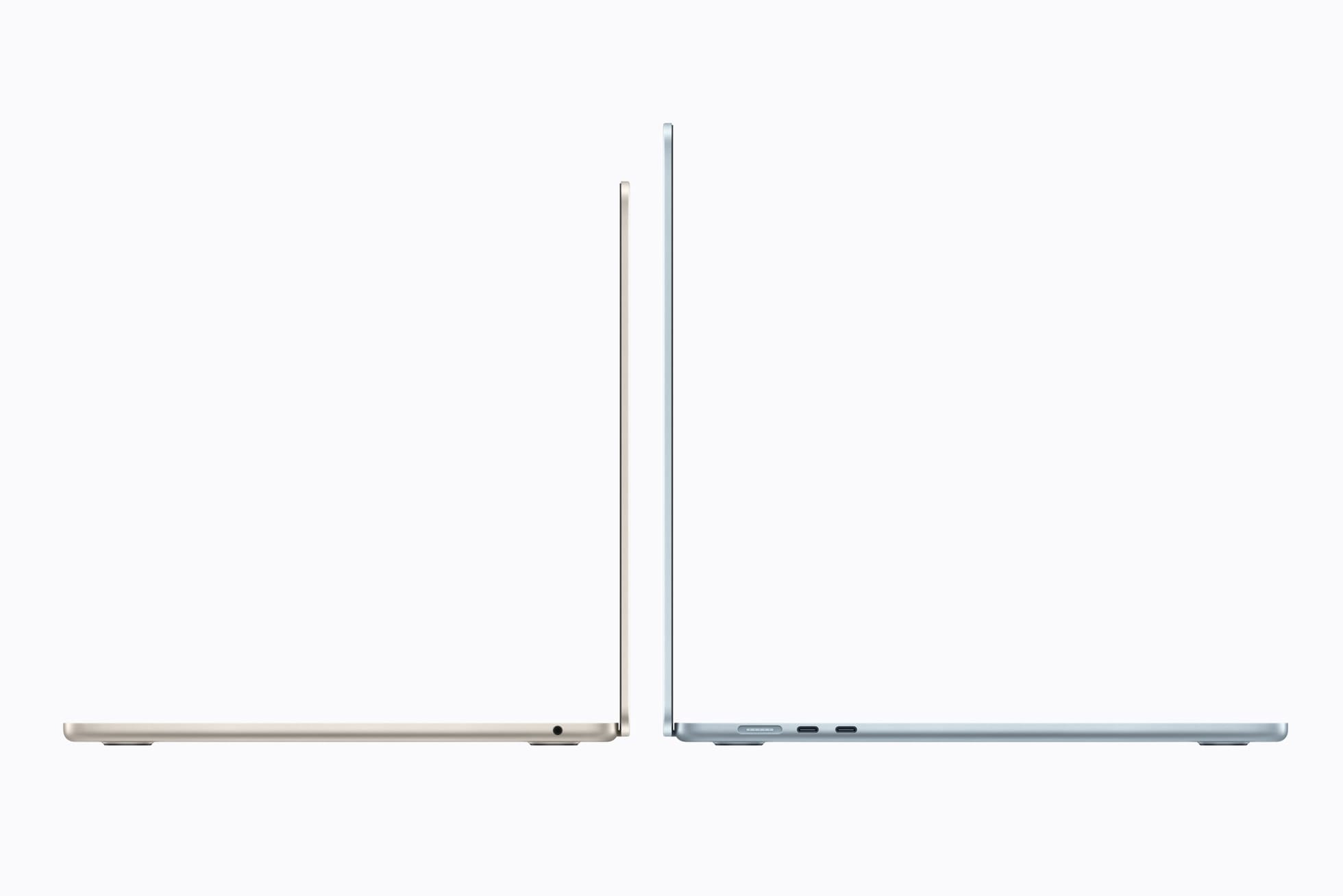
The M5 MacBook Air uses the same fanless aluminum chassis introduced with the M2 generation. Same dimensions, same weight, same display geometry — the 13-inch at 13.6 inches diagonal and the 15-inch at 15.3 inches. No new colors this year; the lineup remains Sky Blue, Midnight, Starlight, and Silver. The 12MP Center Stage camera, three-microphone array, and six-speaker system with Spatial Audio and Dolby Atmos support are all unchanged.
This will disappoint people waiting for a redesign. The M2-era chassis is now four years old, and there's a reasonable case that the MacBook Air is due for a new look — OLED display, thinner bezels, a chassis refresh. That case hasn't landed yet, and Apple appears to be holding significant design updates for a future generation. What the current design does well is enough: it's genuinely thin and light, the Liquid Retina display is still excellent, and fanless operation means no fan noise under any workload the M5 can sustain.
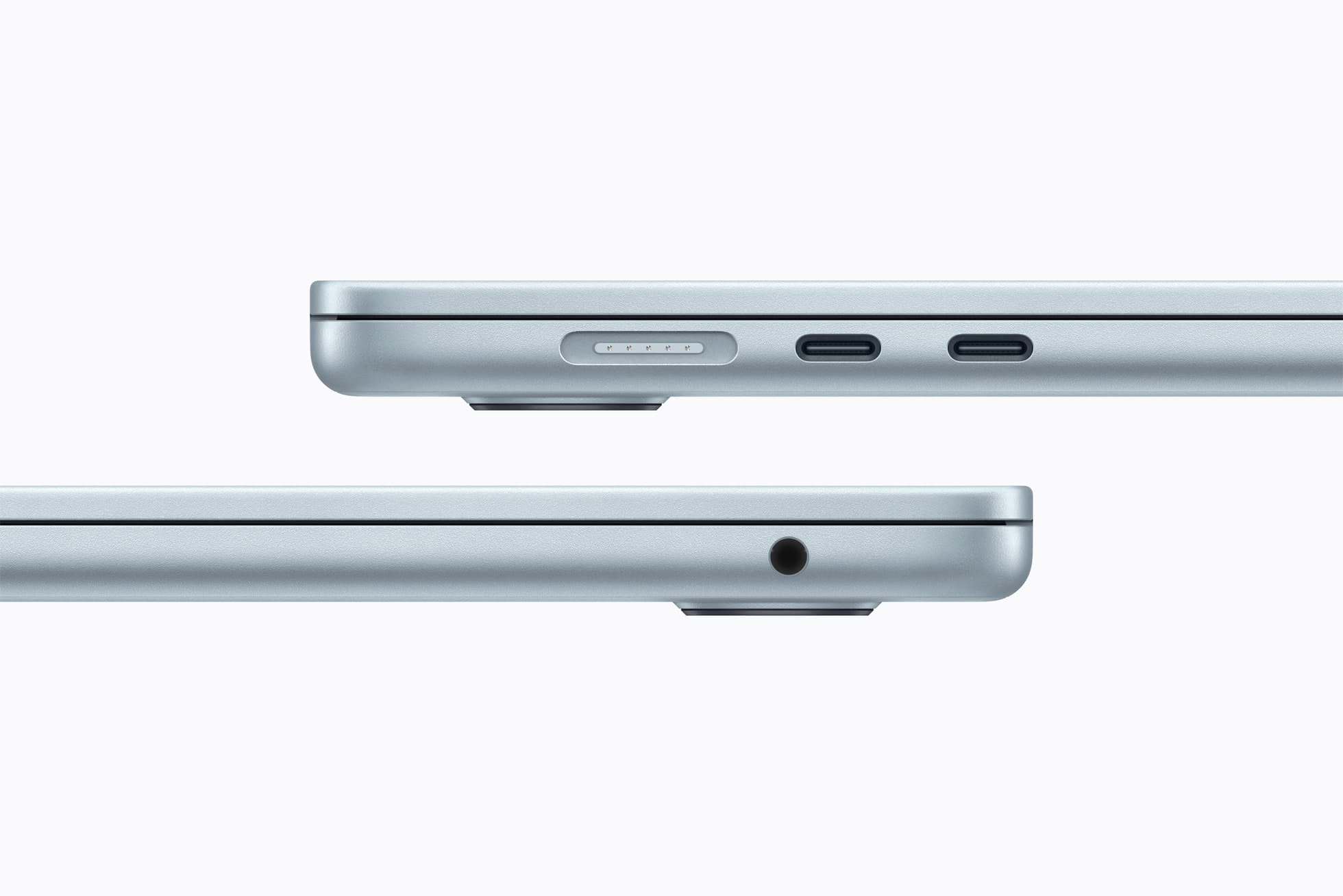
Thunderbolt 4 with two ports carries over from M4. If you need more connectivity than two USB-C/Thunderbolt ports, a hub or dock is still part of the picture. This is the one area where the Air continues to ask users to compromise compared to the MacBook Pro, which ships with Thunderbolt 5 and three ports.
Pricing: The $100 Increase Explained
The 13-inch M5 MacBook Air starts at $1,099 — $100 more than the M4 launched at in March 2025. The 15-inch opens at $1,299, also up $100. Education pricing brings the 13-inch down to $999 and the 15-inch to $1,199.
The honest accounting: if you bought a base M4 Air last year and added 512 GB of storage, you paid $1,099. The M5 Air at $1,099 includes that storage standard, plus a faster SSD, plus the N1 chip for Wi-Fi 7. On equivalent storage configurations, the price is flat. What Apple has eliminated is the $999 on-ramp with 256 GB — you're no longer able to buy less storage to save money. The better machine is the only machine.
Memory and NAND flash component costs have risen sharply over the past year, driven by AI infrastructure demand. The Samsung Galaxy S26 also launched $100 higher than its predecessor this cycle for the same reason. Apple's pricing reflects the reality of the component market as much as any deliberate margin expansion.
Who Should Buy It
If you're on an Intel MacBook, the M5 Air is an unambiguous upgrade and the math is easy. Apple claims web browsing runs 50 percent faster than a PC laptop with an Intel Core Ultra X7 — and for sustained workloads, the performance gap is wider still. The battery life improvement alone justifies the upgrade.
If you're on an M1 or M2 Air, the cumulative gains across four chip generations — AI performance, GPU architecture, memory bandwidth, storage speed, Wi-Fi — add up to a machine that will feel substantially different in daily use, especially as Apple Intelligence features mature over the next two to three years. The $1,099 entry point buys relevance for what macOS will be doing by 2028.
If you're on an M3 or M4 Air, the calculus is tighter. The M5 is a better machine in every dimension. The question is whether the Neural Accelerator GPU architecture, doubled storage, and Wi-Fi 7 justify the outlay when your current machine is already good. For most users, the answer is probably to wait for M6 — unless you're actively running AI workloads or your 256 GB M4 is already straining.
The M5 MacBook Air ships March 11. Pre-orders are open now at apple.com and through Apple Authorized Resellers.






Discussion