

The MacBook Ultra Has to Be More Than a Mac You Can Tap
Apple spent years saying laptop touchscreens were a bad idea. Making them a good one requires more than changing its mind.


Apple has spent the better part of fifteen years telling us that touching a laptop screen was a bad idea. Now, if the current wave of reporting holds, it's about to ship one. The rumored MacBook Ultra is a new tier above the MacBook Pro, expected to arrive in late 2026 or early 2027 with an OLED display, a Dynamic Island cutout, and next-generation Apple Silicon under the hood. It will reportedly be the first Mac you can actually touch. You aren’t imagining this. Read that headline twice.
The hardware is the easy part. The harder question, the one that actually determines whether this thing is worth buying, is a UX question: how do you take a thirty-year-old desktop operating system built around a cursor and make it feel right under a fingertip? Apple's answer, from what we know so far, is more interesting than it might first appear. It also comes with a list of unsolved problems long enough to keep a design team busy for years.
Apple Changed Its Mind, and It Wasn't Cheap
The company's resistance to touch on laptops wasn't arbitrary stubbornness. In 2018, Craig Federighi put it plainly: "the ergonomics of using a Mac are that your hands are rested on a surface, and lifting your arm up to poke a screen is a pretty fatiguing thing to do." Before that, Steve Jobs called vertical touch surfaces "ergonomically terrible" and described the arm-fatigue phenomenon that engineers have nicknamed "gorilla arm" since the 1980s, where sustained upward reach drains your shoulders and makes extended touch interaction physically punishing.
Those weren't uninformed opinions. They reflected real usability research on vertical touch interfaces. But two things have shifted since those statements were made. First, the iPad with a Magic Keyboard actually exists and gets used as a laptop substitute by millions of people, proving that light, contextual touch on a clamshell display is practical when no one is demanding you use it for everything. Second, a generation of users has grown up treating every screen as touchable by default. When a laptop display doesn't respond to a finger, it now feels broken in a way that it simply didn't a decade ago.
Mark Gurman confirmed in early 2026 that Apple is moving forward with a Mac touchscreen, with macOS 27 specifically engineered to support it. The operating system is being built to respond differently depending on how you're interacting with it. That adaptive interface is either Apple's cleverest design decision in years or a very sophisticated way to sweep the hard problems under the rug.
Possibly both.
The Chip Story Got Complicated
Before getting into what a touch interface on macOS actually means, it's worth addressing the silicon question directly, because it shifted significantly just this week. Earlier reporting pointed to M6 Pro and M6 Max chips powering the MacBook Ultra. That's no longer the plan. According to Bloomberg's Mark Gurman, Apple will release a base M6 chip for entry-level Macs later this year but skip the Pro and Max variants entirely, jumping straight to an M7 generation built around on-device AI, with M7 Pro and M7 Max chips now targeting late 2027.
The most immediate casualty of that roadmap change is the high-end MacBook Ultra itself. If the redesigned, touchscreen-equipped laptop sticks to its rumored late 2026 or early 2027 window, it will likely ship with M5 Pro or M5 Max silicon rather than a new chip generation. If Apple waits for M7 Pro, the device slips to late 2027 at the earliest.
None of that changes the UX analysis. Whether the MacBook Ultra ships with an M5 Max or an M7 Pro, the same questions about touch interaction, interface adaptation, and developer readiness apply. The chip number on the box won't determine whether touching a Mac display feels natural. The software will. And that's what the rest of this piece is actually about.
Touch targets on macOS, right now, are catastrophically small for a finger. The menu bar is maybe 22 pixels tall. System preferences icons, dropdown menus, the close-minimize-maximize buttons: all of them were sized for a cursor measured in pixels, not a fingertip measured in millimeters. Apple's own Human Interface Guidelines for iOS specify a minimum tappable area of 44 by 44 points. Most of macOS doesn't come anywhere close to that.
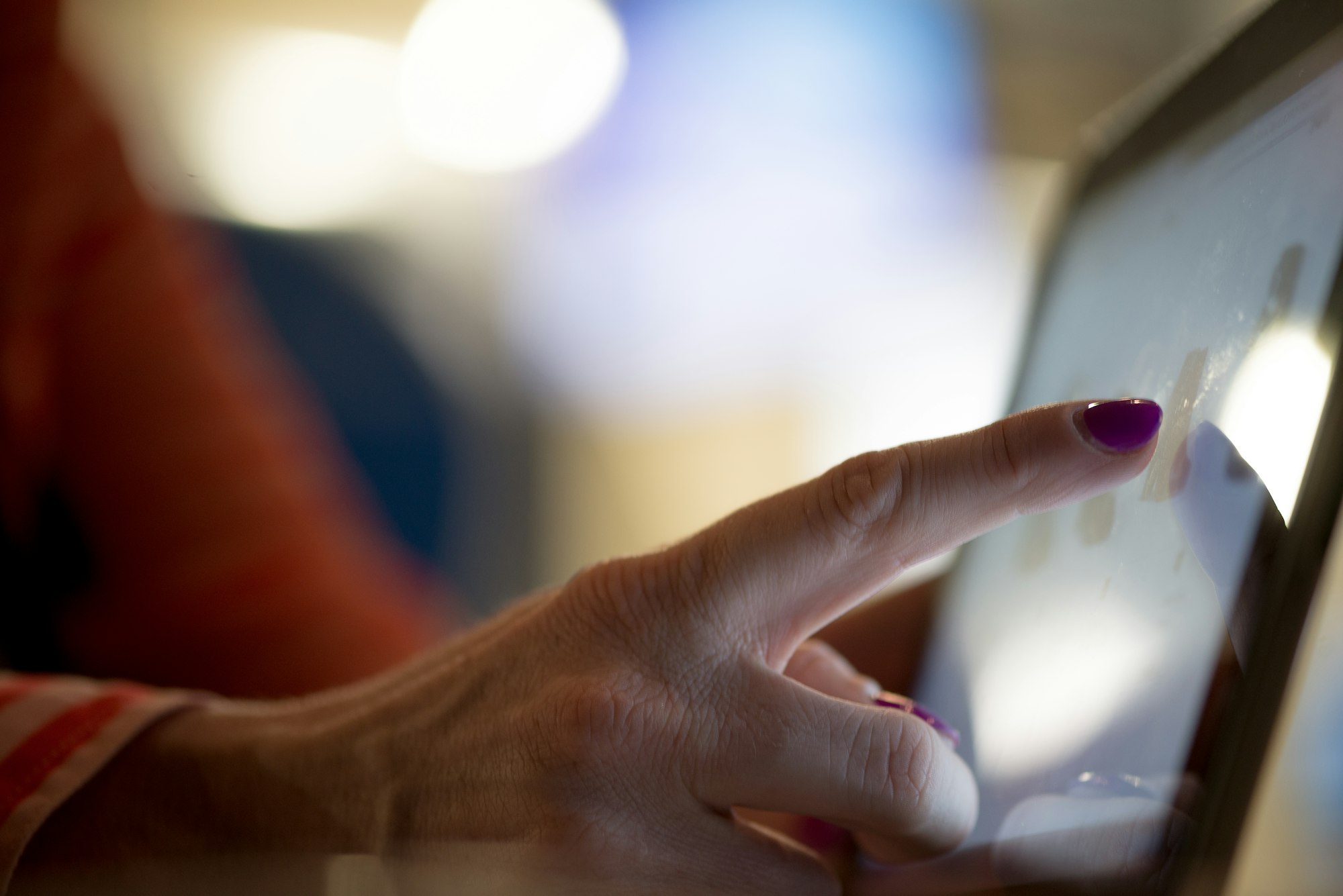
macOS 27 Golden Gate addresses this with an adaptive UI layer. When the system detects touch input, interface elements reportedly scale up automatically. Menus expand, tap targets enlarge, and a context-aware popover appears near the touch point with options sized for a finger rather than a cursor. When you switch back to the trackpad, the interface reverts. The rest of your machine, and anyone else who doesn't have a touchscreen Mac, never sees any of this.
That's a smart approach, and the Windows 8 comparison is instructive. Microsoft tried something very different in 2012, forcing touch-optimized interface elements on every PC user regardless of whether they owned a touchscreen. The backlash was severe and lasting. Apple appears to have studied that failure carefully. The adaptation stays invisible until it's needed.
Still, adaptive interfaces carry their own risks. State changes are a source of cognitive friction. If the UI is visibly shifting every time you move from trackpad to finger, users will notice the seams, and noticing the seams breaks concentration. Apple's execution will need to be tight enough that the transitions feel like part of the system's natural behavior, not like a mode switch someone forgot to hide.
Developers saw the first evidence of Apple's touch APIs in macOS 27 just weeks ago, when a technote outlined gesture recognizers that distinguish between a tap and a mouse click, a finger drag and a trackpad scroll, a press-and-hold and a right-click. The documentation also confirmed these APIs extend beyond Sidecar, the existing feature that lets an iPad serve as a Mac's secondary touchscreen display. Apple phrased it carefully: the new touch APIs are "not just for the Sidecar display." The implication isn't subtle.
What Touch Actually Gets You on a Laptop
Before assuming this is a feature in search of a use case, it's worth thinking through where direct touch on a Mac display would actually change behavior.
Scrolling is the obvious candidate, and also the weakest one. Trackpad scrolling is already excellent on a MacBook, so touch offers modest improvement there. But direct manipulation of objects in creative apps could be a different story. Dragging a layer in Pixelmator, scrubbing a timeline in Final Cut, repositioning an object in Keynote: all of these could be faster with a finger than with a trackpad, where every gesture requires mental translation between physical movement and on-screen result. Touch collapses that translation. Your finger and the object share a coordinate space.
Annotation is another strong case. Marking up a PDF, sketching in a note, signing a document: any task where pointing at something and acting on it is the natural motion. Apple Pencil support on a Mac touchscreen could make the MacBook Ultra a serious contender in workflows that currently require a separate iPad.
Then there are the informal interactions that are harder to articulate but real in practice. Tapping past a notification. Flicking an alert away. Zooming in on a photo with a pinch. These are moments where reaching for the trackpad feels like unnecessary indirection. Touch doesn't replace the trackpad for these tasks. It just removes a small friction that accumulates across a workday.
The Gorilla Arm Question Is Still Unanswered
The ergonomic concern hasn't disappeared. It's been reframed, but that's different from being solved. The MacBook Ultra is expected to ship without a 360-degree hinge, meaning the display stays in a laptop orientation and doesn't fold flat like a Microsoft Surface or a Lenovo Yoga. That matters enormously for how much arm fatigue users will actually experience.
A screen you use in short bursts while your hands rest near the keyboard is a very different ergonomic proposition than a screen you're working on continuously with arms extended. The iPad with Magic Keyboard gets away with touch interaction because the display is close, propped at a shallow angle, and most interactions are brief. A MacBook display, hinged at a steeper angle and positioned further from the user's resting hand position, asks considerably more of the arm.
Apple's reported "touch-friendly, not touch-first" design philosophy is the right instinct. The trackpad remains the primary input surface. Touch supplements it for specific moments rather than competing with it for everything. If Apple's apps and third-party developers respect that mental model, and if touch never becomes something you're required to reach for, the ergonomic problem becomes manageable. The risk is that workflows emerge, or are marketed, that push users toward sustained touch use on a vertical display. That's where things get physically uncomfortable quickly.
macOS Is Going to Need Developer Buy-In
The platform shift isn't finished when Apple ships the hardware. macOS's existing interface is dense with small controls that independent developers have built over decades. System-level adaptive UI helps with Apple's own apps, but third-party software, the professional tools that MacBook Ultra users will actually live in every day, has to be updated independently to take advantage of the new touch APIs and widen its own touch targets.
That's a long tail. Some developers will move quickly. Others, particularly makers of legacy Pro tools with complex, information-dense interfaces, will move slowly or not at all. Apple has significant leverage here: every Mac developer has been able to test touch behavior via Sidecar since macOS 27 launched, so the excuse of "we didn't have a device to test on" doesn't hold. But guidance and opportunity don't automatically produce adoption. Windows touchscreen support has been available for years, and plenty of professional applications still treat it as an afterthought.
Apple's position as a platform owner gives it tools Microsoft lacks. If the new Xcode and SwiftUI templates surface touch support prominently, if App Store editorial spotlights touch-optimized Mac apps, if Apple's own apps set a high bar, the ecosystem could move faster than historical precedent suggests. But the MacBook Ultra will ship into a software world that isn't fully ready for it.

What the Dynamic Island Signals
The rumored inclusion of a Dynamic Island on the MacBook Ultra is worth examining on its own merits as a UX decision. On iPhone, the feature works because the device is held in hand, the Island sits at the thumb-adjacent top of the display, and glanceable interactions make sense in a portable, pocket-to-eye context. On a laptop, the display is arm's length away and the attention model is completely different.
Apple reportedly plans the Dynamic Island to surface notifications and status information on the MacBook Ultra, which is a reasonable use. But whether touch-based interaction with it makes ergonomic sense at that position on a laptop display remains to be proven. Reaching to the top of a 14-inch or 16-inch screen, across the keyboard and hinge, to interact with any UI element feels like exactly the kind of sustained arm extension that the ergonomic criticism of laptop touchscreens has always targeted.
Apple may solve this with animation and passivity, making the Dynamic Island something you observe rather than something you frequently touch. That would be sensible design. The temptation to make every new hardware element interactive is real, and it would be a mistake here.
The Precedent That Matters Most
Apple's history with ambitious input transitions is actually reassuring on balance. The original MacBook Pro trackpad was mocked before people used it. Force Touch was a solution in search of a problem until it wasn't. The Touch Bar was the counterexample: a clever input surface that never found its footing because the software ecosystem didn't rally around it, the position was physically awkward, and it asked users to look away from the display to find controls that should have lived on screen.
The touchscreen MacBook Ultra is not a Touch Bar situation. The display is where users are already looking. Touch targets live where work happens. The interaction model has been validated across hundreds of millions of iPad users. The failure mode here isn't "nobody will want this." The failure mode is "Apple ships it before macOS and the developer ecosystem are actually ready for it."
Given the timeline, hardware reportedly due late 2026 or early 2027 with macOS 27 already in developer beta and touch APIs publicly documented, Apple has built in a runway. Whether that runway is long enough to produce a polished touch experience across the apps that professional users depend on is the question the next twelve months will answer.
The hardware promise is credible. The UX promise requires a lot of people to execute it well at the same time. That's always been Apple's biggest challenge when it bets on a new input paradigSo far, its track record is pretty good.
All details about the MacBook Ultra, including pricing, launch timing, and specific features, are based on current reporting and supply chain analysis. Apple has not officially confirmed this product.