


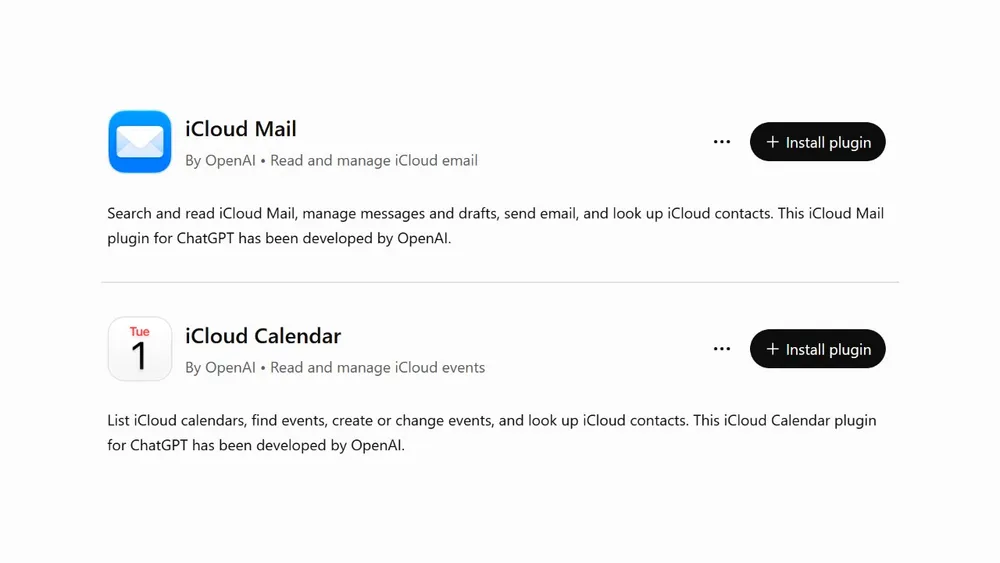


ChatGPT can now get into your iCloud Mail and iCloud Calendar. OpenAI added both as plugins on Tuesday, for every ChatGPT plan, on the web, the desktop app and the iPhone app. Once connected, ChatGPT can search and read your iCloud email, manage messages and drafts, send email, look up your iCloud contacts, and read, schedule and update calendar events, according to MacRumors.
That's a real convenience for anyone who lives in iCloud Mail and has watched Gmail users get this kind of thing first. It's also a lot of access, and the way ChatGPT gets it is worth five minutes of your attention before you connect anything. The plugins don't use the newer "Allow" screen Apple built for this. They use an app-specific password.
What the Plugins Can and Can't Reach
Mail only works with Apple's own addresses: anything ending in @icloud.com, @me.com or @mac.com. If you've added a Gmail or Outlook account to the Mail app on your iPhone, ChatGPT can't see it through this plugin. Calendar covers anything that lives in iCloud Calendar, which includes events you made on your iPhone and events from third party apps that sync through iCloud.
MacRumors notes this gives ChatGPT some of the same personal context Siri AI already has on your devices, and that OpenAI's Dots agent, which launched last month, can use the access too. That's the point of the feature. An assistant that can read your inbox and your calendar can answer "when is the school thing" or draft the reply you've been putting off. It can also send that reply, and I haven't seen OpenAI describe a confirmation step before it does.
What the Calendar Plugin Does
Calendar is a separate plugin with its own listing, so you can connect it without handing over your inbox. OpenAI says it can list your iCloud calendars, find events, create or change events, and look up your iCloud contacts. Like Mail, its capabilities are listed as Read and Write, which means ChatGPT can put things on your calendar and move them around as well as tell you what's coming up.
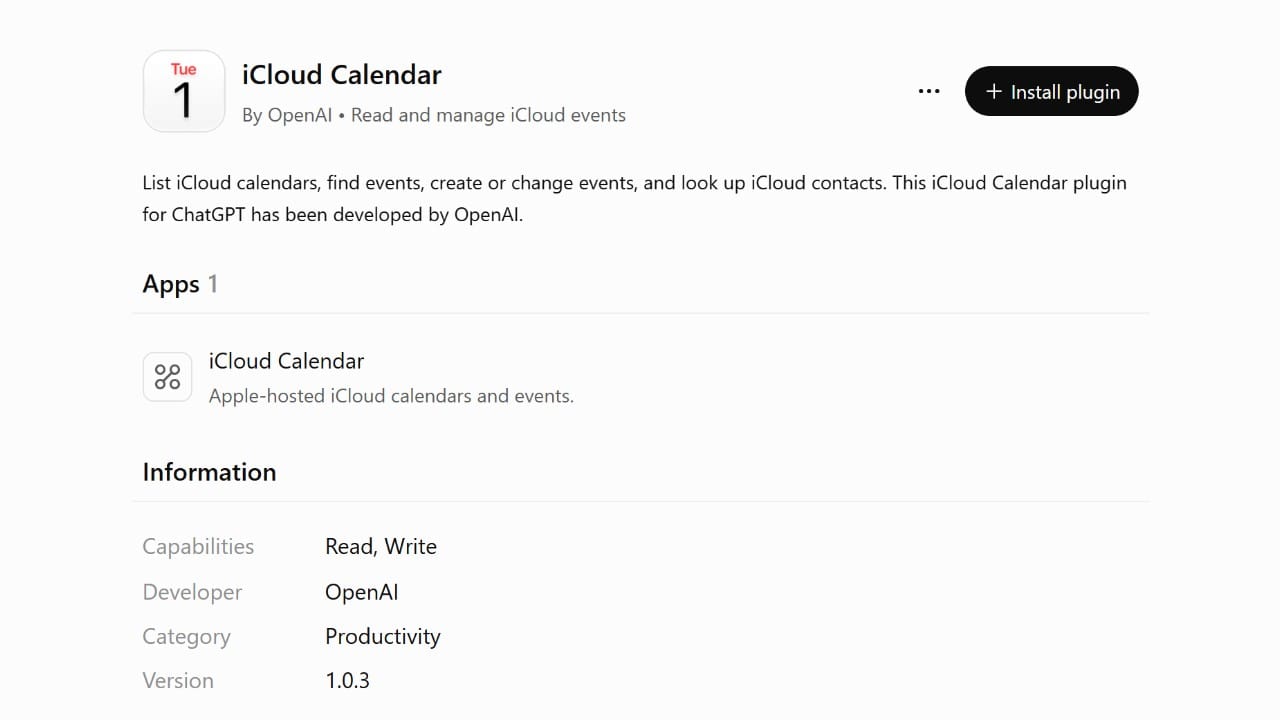
That makes Calendar the easier one to try first. A wrong calendar edit is annoying, but it's visible and easy to fix, and it can't send anything to anyone. It also carries the same fine print as Mail about sharing chats and memories with the plugin.
What an App-Specific Password Actually Is
Apple has offered app-specific passwords for years. They exist so a third party app can sign in to your Apple Account without ever seeing your real password. You need two-factor authentication turned on, you can have up to 25 active at once, and each one is a random string Apple generates for you.
Apple's support page describes them as a way to sign in to third party apps that can then reach your iCloud data, "such as mail, contacts, and calendars." The password isn't tied to one of those. It also doesn't expire on its own. It keeps working until you remove it, hit Revoke All, or change your main Apple Account password, which revokes every app-specific password you have at once.
Last October, Apple added a better route. Apps can now ask you to authorize them with your Apple Account: you enter your email, click Allow, and the app shows up under Sign-In and Security, then Account Data Sharing, where you can remove its access later. Apple's own page says that if you used an app-specific password before, you should revoke it after you authorize the app. ChatGPT's iCloud plugins require the older password instead.
None of this makes the plugins unsafe to use. It means you're handing a long lived key to another company, and the key itself stays valid until you revoke it on Apple's side, whatever you do in ChatGPT's settings. In IT, this is the access people forget about. Nobody audits the password they made for a mail app years ago until something goes wrong, and by then nobody remembers what it was for.
How to Connect It and Keep It Tidy
If you want to try it, these steps keep the access easy to track and easy to undo:
- Go to account.apple.com and sign in.
- Open Sign-In and Security, then App-Specific Passwords, and choose to generate a new one.
- Give it a name you'll recognize later, like "ChatGPT Mail."
- Make a second one named "ChatGPT Calendar" if you're connecting both, so you can cut off one without the other.
- In ChatGPT, add the iCloud Mail and iCloud Calendar plugins and sign in with your Apple Account email and the matching password. Calendar may ask for your primary Apple Account email rather than your iCloud Mail address.
- Don't save the password anywhere. If you ever need to reconnect, generating a new one takes ten seconds.
To turn it off later, go back to App-Specific Passwords and remove the ChatGPT entries. ChatGPT is signed out and stays that way until you give it a new password. While you're there, look at what else is on the list. If there's a password for an app you stopped using years ago, remove that one too.
OpenAI's own listing for the plugin is worth reading before you install it. It lists the capabilities as Read and Write, and the fine print says that when it's connected, ChatGPT "may share relevant chats and memories" with the plugin, and that with Memory turned on, data from your mail may be used to proactively offer suggestions. It also warns that using apps "may come with elevated risk." Check your Memory and data controls in ChatGPT before you connect an inbox with years of personal email in it.
Worth Turning On?
If you already use ChatGPT every day and your life runs through iCloud Mail, this is the feature that makes it useful for personal admin, and I'd try it with the separate passwords above. If you only open ChatGPT now and then, I'd wait. The access is broad, the sign in method is the older one, and Siri AI already handles some of this on your iPhone.
The thing to watch is whether OpenAI moves to Apple's Allow screen. Apple built it so you can see and remove each app's access in one place, and a plugin with this much reach should use it.







Comments