


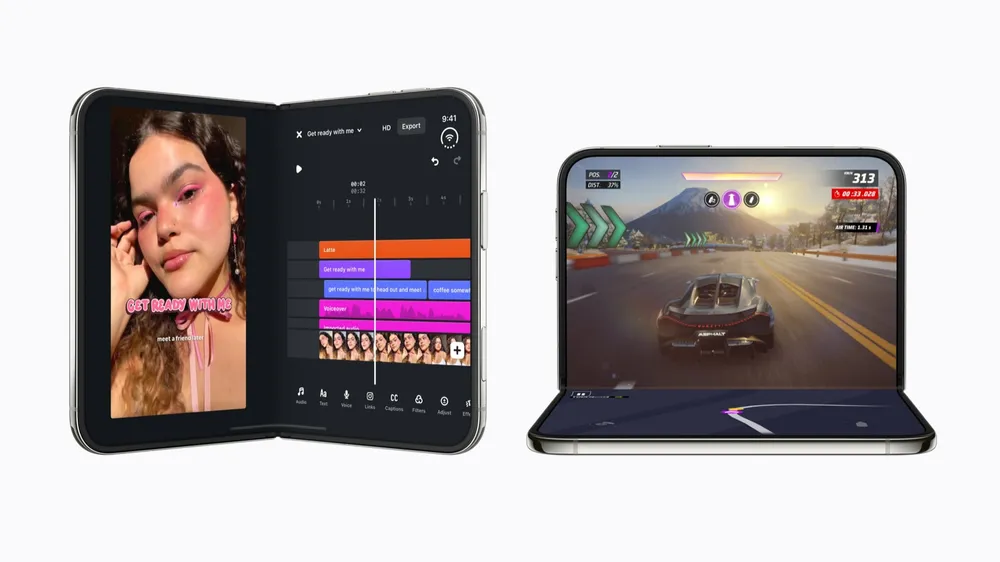


The first iPhone Duos reach customers on Friday, October 23, and the first thing most owners will do is open their usual apps on the big inner screen to see how they look. Some will spread out into two or three columns. Some will sit in the middle of the display with empty space on both sides. Apple spent Thursday making it easier to know which is which before you tap.
Two announcements matter here. Apple named more than 50 third party apps that are optimized for the Duo now or will be soon, and it confirmed the App Store will mark those apps with a "Made for iPhone Duo" badge. Together they give new owners a simple way to sort a home screen on day one, and a reason to check back as the list grows.
What the Made for iPhone Duo badge means
The badge appears on an app's product page in the App Store. It goes on apps that developers have built and tuned for the Duo's two screens, which requires building with the iOS 27.1 SDK or later. Apple is also adding App Store editorial collections for the Duo on Friday, so browsing for optimized apps won't depend on remembering names.
The SDK detail explains most of what you'll see on the inner screen, because it decides how an app lays itself out. MacRumors broke it down by the version a developer last built with:
- Built with the iOS 27.1 SDK or later: the app fills the whole inner display, with its toolbar running vertically below the status bar. These are the apps that can earn the badge.
- Built with the iOS 27 SDK: the app fills most of the inner display but still leaves room for the status bar on the right edge.
- Built with the iOS 26 SDK or earlier: the app runs, but it sits centered on the inner display with large empty areas on each side.
That last group still works normally. Everything you can do in the app is there; it just doesn't use the extra width yet. Apps that use Apple's standard SwiftUI and UIKit building blocks also get some changes for free once they're rebuilt: controls move to the side, layouts expand to multiple columns, and buttons shift away from the fold when the phone is partly open.
The apps Apple says are ready
Apple's list leans on apps people open every day, and the most useful entries do something specific with the hinge rather than only getting wider.
Video and sports
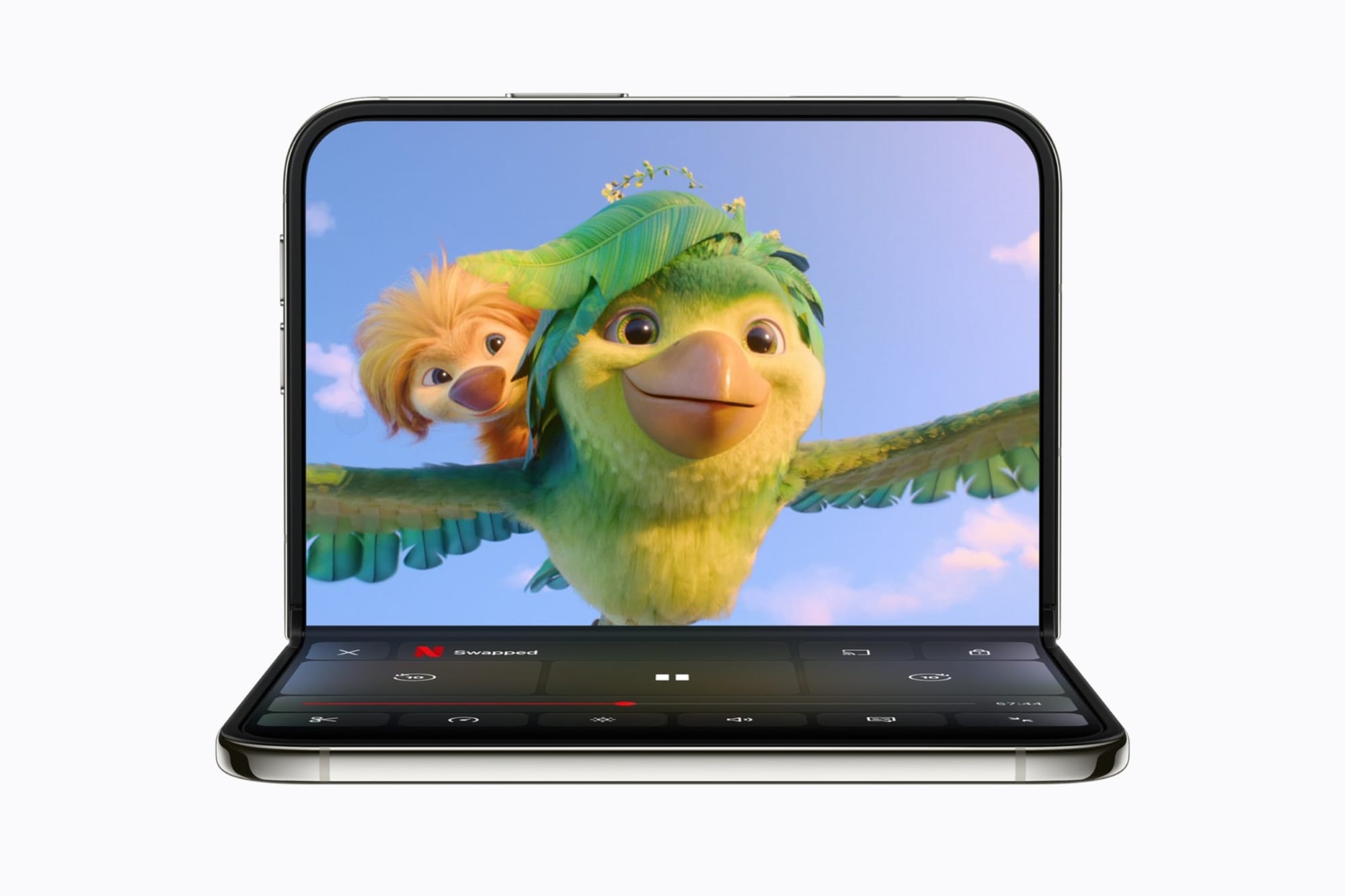
Netflix plays short vertical clips on the outer display and lets you keep watching on the inner one when you open the phone. Prime Video puts playback on the top half when the Duo is partly folded and moves X-Ray details, like cast and bonus content, to the bottom half. Paramount+ adds richer playback controls and more room for browsing shows and live channels. The MLB app, which picked up Duo support on October 21, plays the game on the upright half while scores, stats and leaderboards fill the bottom when the phone is propped on a table. PGA Tour gets live coverage and leaderboards on the larger display.
Work apps
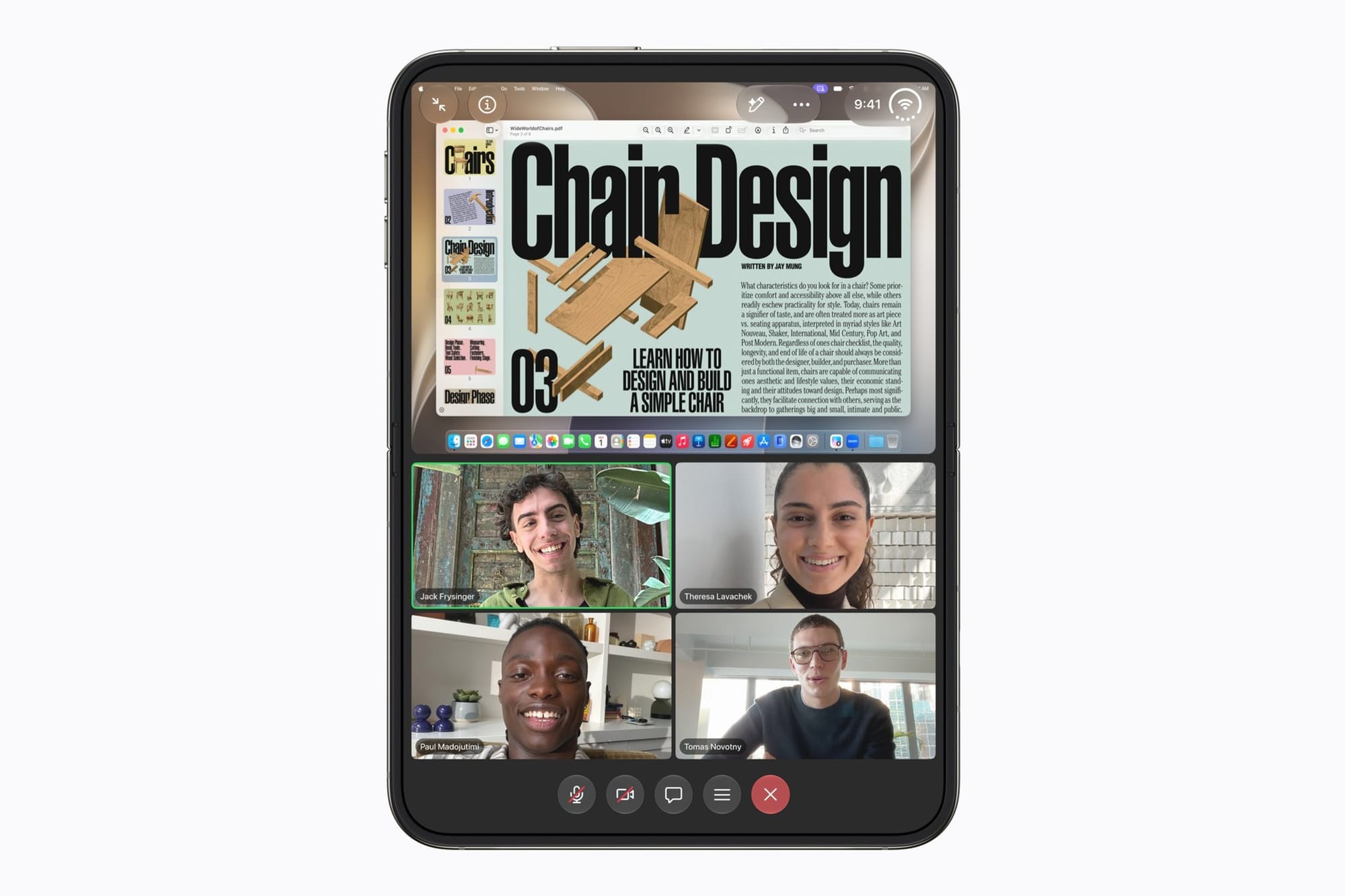
Zoom shows shared content and participants at the same time. Slack opens to a full workspace view, and Salesforce fits more dashboards on screen. Fantastical shows calendars, tasks and menus together and works with Cardhop in Split View, which lets you run two apps side by side on an iPhone for the first time. Things, Bear and Notewise are on the list too. Microsoft Word and Outlook get what Apple calls desktop class layouts in the coming weeks: formatting tools next to the document in Word, and the inbox next to a full message in Outlook.
Creating and editing
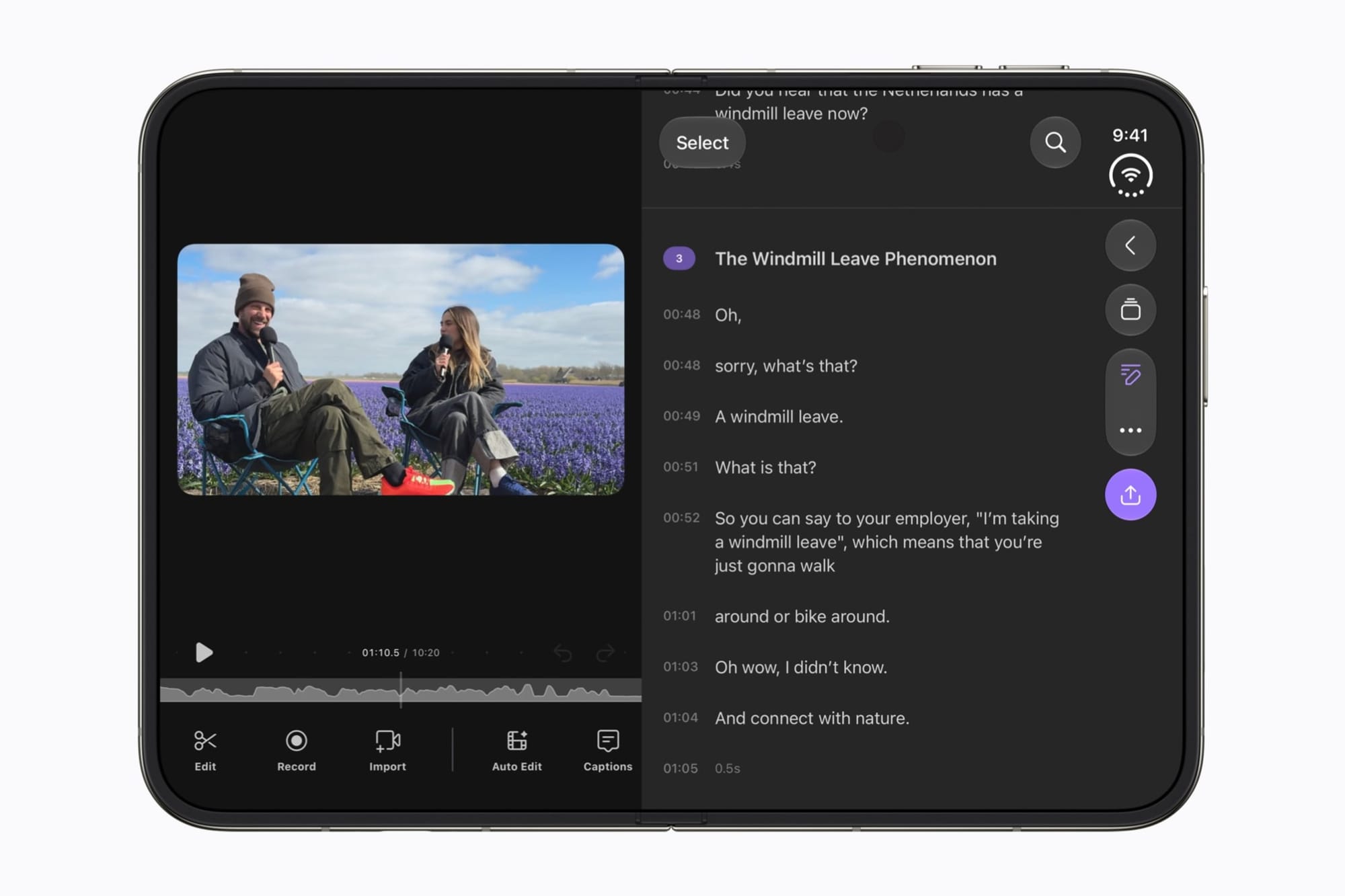
Instagram shows more posts and Stories at once, and its Edits app puts the timeline, tools and video on screen together. Detail, a video app, places video and transcript side by side and runs its AI models on the device with Apple's new Core AI framework. VLLO fits more editing controls next to your footage.
Errands and travel
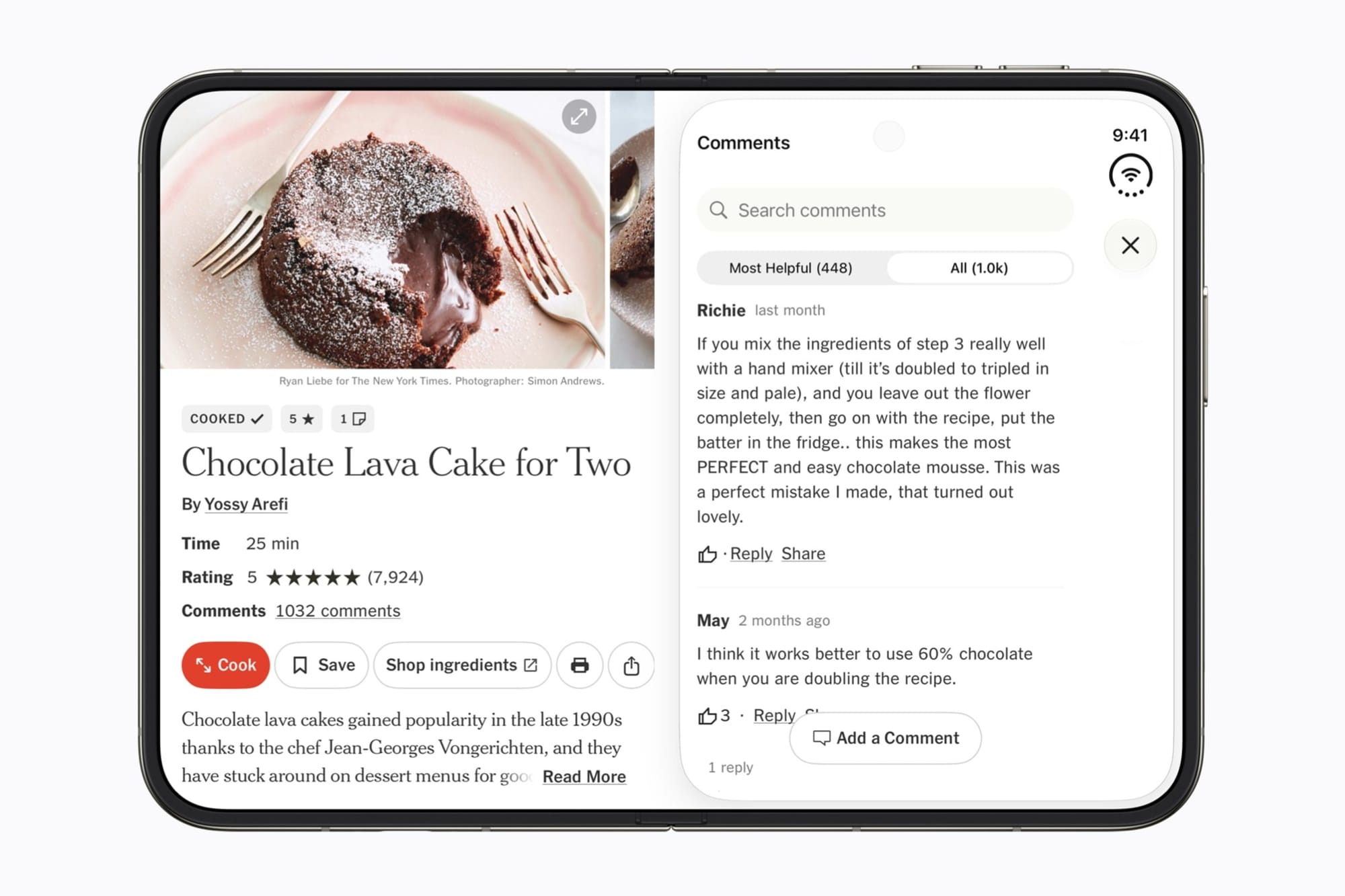
NYT Cooking shows fuller recipes when the phone is propped on a counter. Yelp puts maps and reviews side by side, Lyft shows ride options and your route on a larger map, and OpenTable and Lowe's have adapted layouts. American Airlines covers boarding passes, seat selection and terminal maps, United moves its navigation to the right side, and Flighty adds a flight tracking mode for when the Duo is propped up. DoorDash's larger delivery map is due later this year.
Games
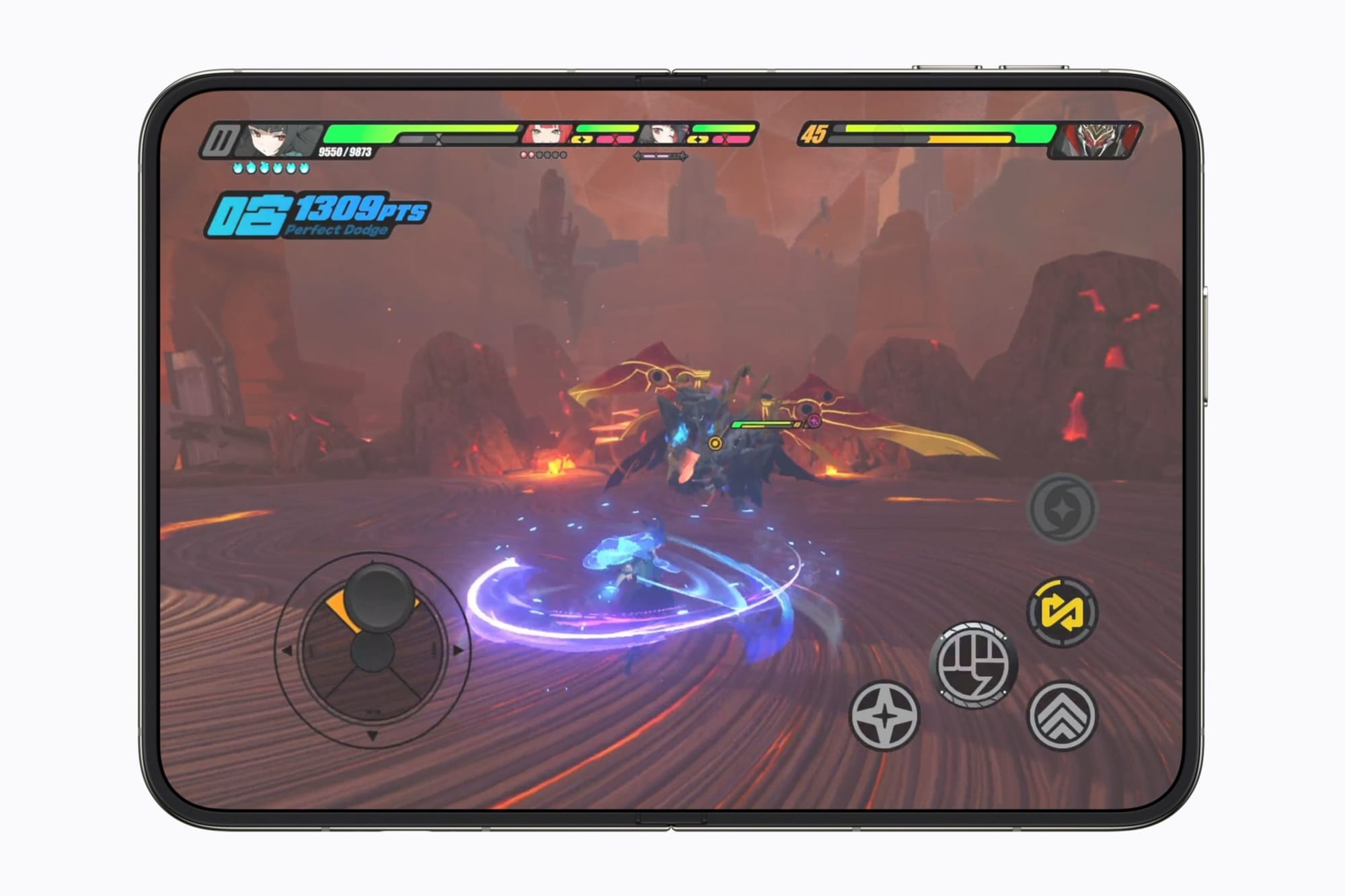
Asphalt Legends, Sneaky Sasquatch and Retrocade are ready, with the two Apple Arcade games offering a pick up and play mode on the outer screen. Zenless Zone Zero's Duo update and UnGodly's App Store launch are both due in November.
Apple's own apps
Apple's own apps are moving too. Keynote, Pages and Numbers gained Duo support in Thursday's update, GarageBand now has a wider layout for the inner screen, and TestFlight displays properly on the Duo.
Updates since launch
Updated Friday, October 30.
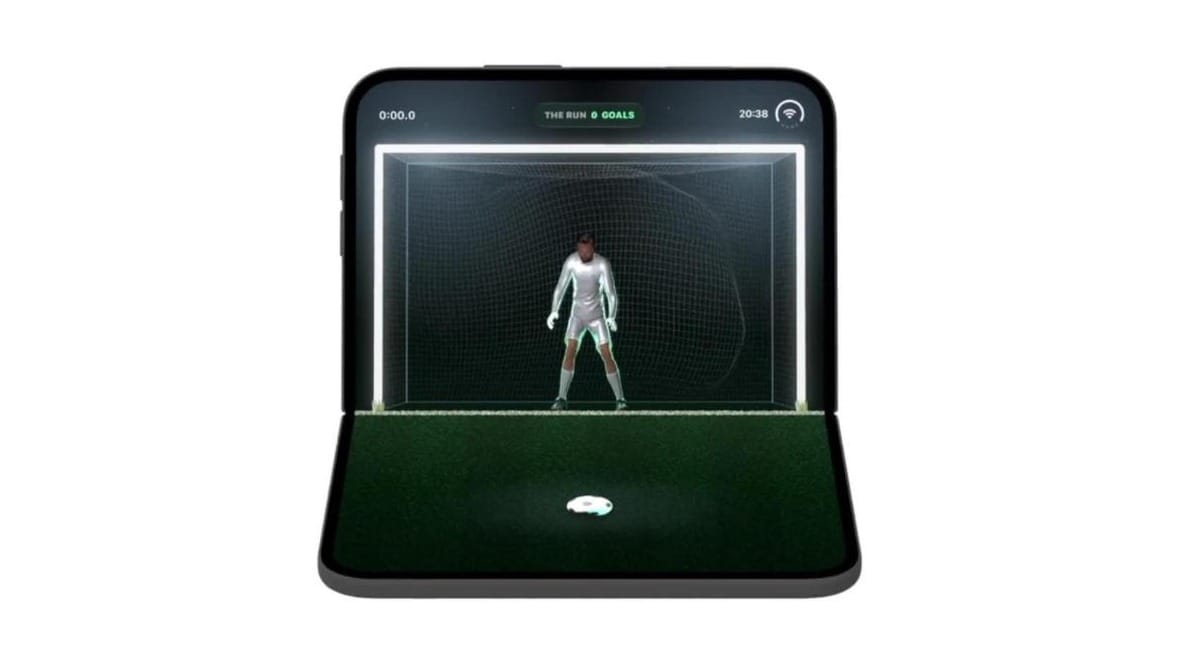
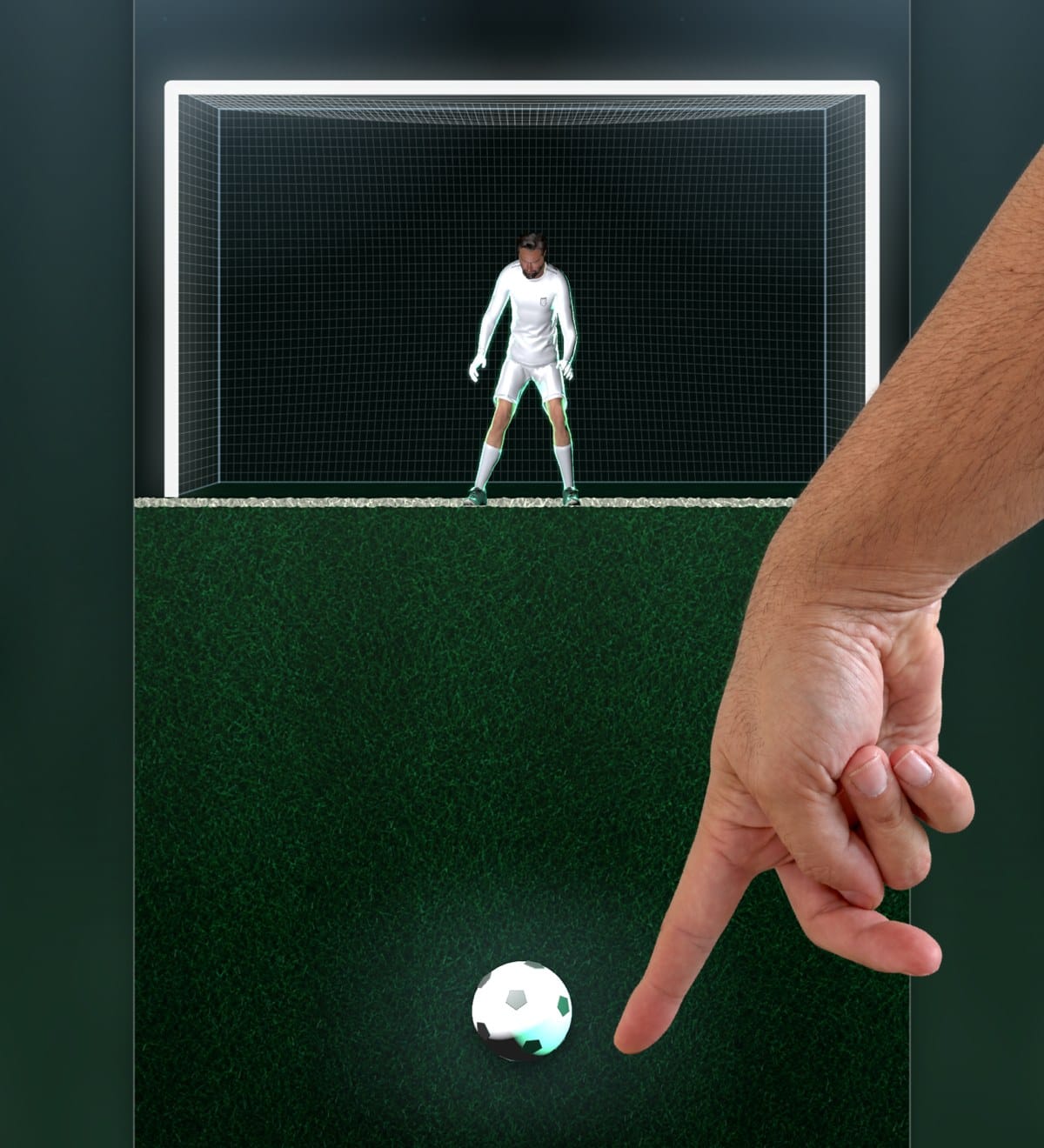
Penalty Area: Face2Face joins Toastie in Apple's Great Games on iPhone Duo collection, and it's another indie game built around the hinge. Fold the Duo to 90 degrees and the goal stands up in front of you while the pitch lies flat below, with the lighting and the goal's angle shifting as the hinge moves. You swipe through the ball to shoot, and the keeper you're trying to beat is the developer himself, Eray Dinç, who trained as a goalkeeper as a kid before university pulled him in another direction. Dinç told us the fold was the starting point for the whole design.
There are no ads or subscriptions. The first 10 rounds are free, and a single $4.99 purchase unlocks all four modes and unlimited play. It also plays flat on any iPhone or iPad running iOS 26 or later.
Tesla picked up native iPhone Duo and iPad support in version 4.62.0, released the week of October 21. The inner screen gets a two column layout: navigation and controls on the left, and a bigger view of your car or Powerwall on the right, with climate, charging and security controls, plus how power is moving between your solar panels, battery, home and the grid.
Apple Support was updated on October 21 to fill the Duo's larger display, joining Keynote, Pages, Numbers, GarageBand and TestFlight among Apple's own apps.
Several of the most used apps now fill the inner screen too, even though their App Store notes don't mention the Duo and none show the Made for iPhone Duo badge yet. Owners tracking app support on FitsDuo report that X, Facebook, WhatsApp, ChatGPT, Google Gemini, Telegram and Cash App now use the full display. Filling the screen is a step short of the badge, so don't expect two pane layouts or hinge tricks from these yet.
Still waiting: the same tracker shows Amazon, Google Maps and Spotify only partly fitting the inner screen. Microsoft's desktop class layouts for Word and Outlook, which Apple said would arrive in the coming weeks, haven't appeared in their release notes yet.
How to check your own apps
The fastest way to sort your home screen is to look at the apps you use most, not all of them.
- Open the App Store, tap your profile picture and update everything. Duo support arrives as a normal app update, so an app you haven't updated in a while may already have it waiting.
- For any app you use daily, open its App Store page and look for the Made for iPhone Duo badge.
- Open the app on the inner screen. If it sits in the middle with empty space on both sides, it hasn't been rebuilt yet. It still works; check back after its next update.
- Try Split View with two apps you use together, like a calendar and email, before deciding which apps belong on which screen.
If you're still deciding between the Duo and the Pro Max, our iPhone Duo vs iPhone 18 Pro Max comparison covers the hardware side, and our roundup of the first Duo reviews goes through how reviewers used it day to day.
What to expect next
Apple's own wording points to a list that keeps growing. Its announcement says many more app experiences will follow, developers can submit Duo optimized apps now, and Apple says more than 2,000 developers have attended over 50 in person Duo workshops in 19 cities, with more planned in London, Mexico City, Montreal, Paris and Toronto. The Duo also reaches 28 more countries and regions on October 30, which gives developers a larger audience to build for.
We'll keep this page updated as notable apps add Duo support, starting with Word and Outlook. If an app you rely on gets its badge, or still looks boxed in after an update, the App Store page is the place to check first.








Comments