
Skip to content
Tech Between the Lines Tech Between the Lines
  • Explore
  • iOS 27
  • iPhone
  • Mac & iPad
  • Wearables
  • Reviews
  • How-Tos
  • All Topics
  • Resources
  • iOS Tracker
  • iOS 27 Problems and Fixes
  • Apple Service Status
  • Free Printable Guides
  • Software Updates
  • Gear Picks
  • Newsletter
  • Company
  • About
  • Contact
  • Meet the Team
  • Work With Us
  • Pitch Your App
  • Media Kit
  • Support Our Work
Subscribe Sign in
X Facebook Bluesky Threads YouTube Instagram Add as preferred source
Tech Between the Lines Tech Between the Lines

Wed, 18 Nov 2026

  • Bug Tracker
  • iOS 27
  • iPhone
  • Mac & iPad
  • Reviews
  • Gear
  • Newsletter
  • Wearables
  • How-Tos
  • Latest Apple Software
  • Free Guides
Saved articles
Sign in Subscribe
  • Bug Tracker
  • iOS 27
  • iPhone
  • Mac & iPad
  • Reviews
  • Gear
  • Newsletter
  • Wearables
  • How-Tos
  • Latest Apple Software
  • Free Guides

  1. Tech Between the Lines
  2. / How-Tos and Guides

How-Tos and Guides

Step by step how-tos, the Apple features most people never find, and our buying guides.

Problems and fixesWhat’s broken in iOS 27 and how to fix itOpen →Gear GuideThe gear we actually recommendOpen →Printable guidesSetup guides you can keep and shareOpen →

How To

More in How To →

Step by step help for the Apple gear you already own. Settings worth changing, features that hide in menus, and fixes for the things that break after an update, written so you can follow along with your phone in hand.


The Power Mode screen in iPhone Settings with switches for Adaptive Power and Adaptive Power Notifications
Adaptive Power and its notifications switch live under Settings, Battery, Power Mode. Image: Apple

Hidden in Plain Sight

Adaptive Power: How to Make Your iPhone Battery Last on Heavy Days

Adaptive Power can stretch your iPhone battery on days you use it harder than usual, but it's off by default on many models. Here's how to turn it on, which iPhones support it and what it changes.

By Justin Scharlemann · Nov 15, 2026 · 4 min read


Person touching the screen of a MacBook Pro with PROLED XDR Display at an office desk

How To

New Touchscreen MacBook Pro? Change These Settings First

By Justin Scharlemann · Nov 10, 2026
Safari on iPhone with an item on a webpage outlined and selected to be hidden

Hidden in Plain Sight

Hide Distracting Items in Safari: How to Clean Up Cluttered Webpages

By Justin Scharlemann · Nov 8, 2026
Apple HomeView on a kitchen counter

Smart Home

Getting Apple HomeView Friday? What to Do Before You Set It Up

By Justin Scharlemann · Nov 7, 2026
Apple Watch Series 9 showing a Check In screen on its display

Hidden in Plain Sight

Check In on Apple Watch: How to Let Someone Know You Got Home Safe

By Justin Scharlemann · Nov 1, 2026

Hidden in Plain Sight

More in Hidden in Plain Sight →

Apple doesn't market its full feature set. This is where we cover the stuff it shipped anyway, features already living in your apps that never got the spotlight, with straightforward guides on how to actually use them.

The Power Mode screen in iPhone Settings with switches for Adaptive Power and Adaptive Power Notifications
Adaptive Power and its notifications switch live under Settings, Battery, Power Mode. Image: Apple

Hidden in Plain Sight

Adaptive Power: How to Make Your iPhone Battery Last on Heavy Days

Adaptive Power can stretch your iPhone battery on days you use it harder than usual, but it's off by default on many models. Here's how to turn it on, which iPhones support it and what it changes.

By Justin Scharlemann · Nov 15, 2026 · 4 min read


Safari on iPhone with an item on a webpage outlined and selected to be hidden

Hidden in Plain Sight

Hide Distracting Items in Safari: How to Clean Up Cluttered Webpages

By Justin Scharlemann · Nov 8, 2026
Apple Watch Series 9 showing a Check In screen on its display

Hidden in Plain Sight

Check In on Apple Watch: How to Let Someone Know You Got Home Safe

By Justin Scharlemann · Nov 1, 2026
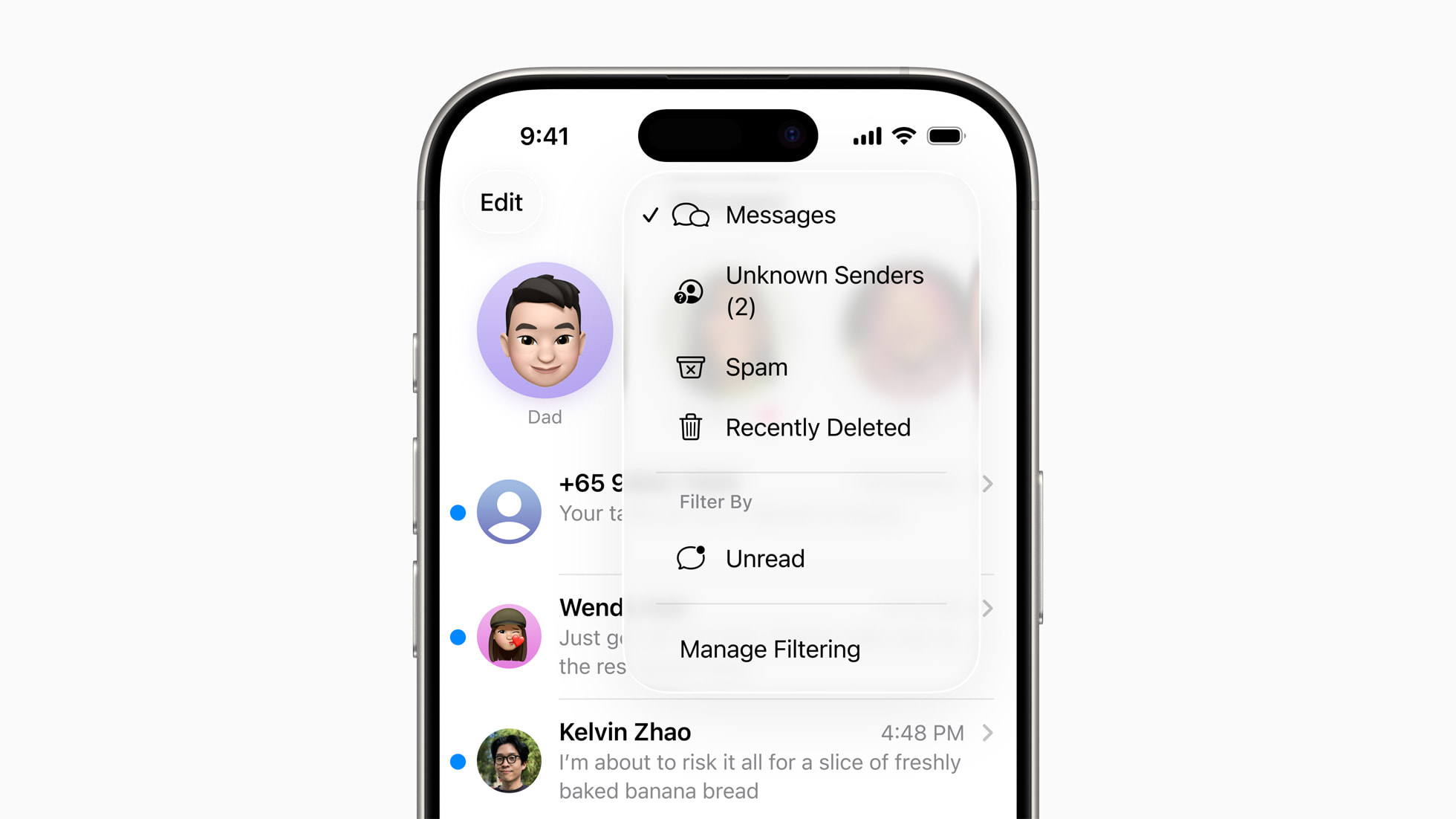
The Filters menu in Messages on iPhone, listing Messages, Unknown Senders, Spam, Recently Deleted and Manage Filtering

Hidden in Plain Sight

How to Screen Texts From Unknown Senders on Your iPhone

By Justin Scharlemann · Oct 25, 2026
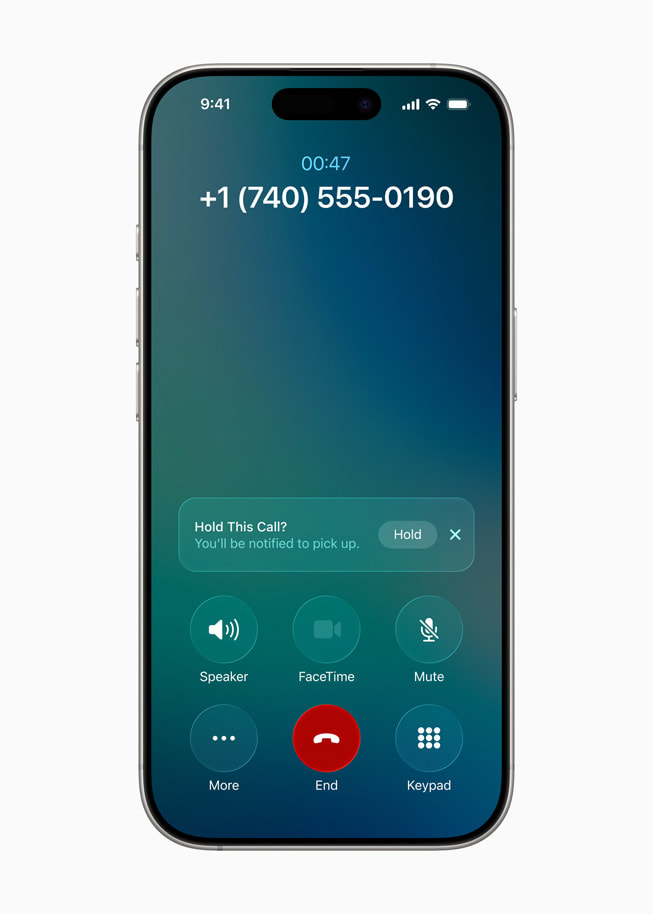
The Hold Assist feature shown on an iPhone

Hidden in Plain Sight

Hold Assist: How to Let Your iPhone Wait on Hold for You

By Justin Scharlemann · Oct 18, 2026

Buying Guides

More in Buying Guides →

Side by side comparisons and upgrade advice to help you pick the right Apple gear, from iPhone and Apple Watch to Mac and AirPods.

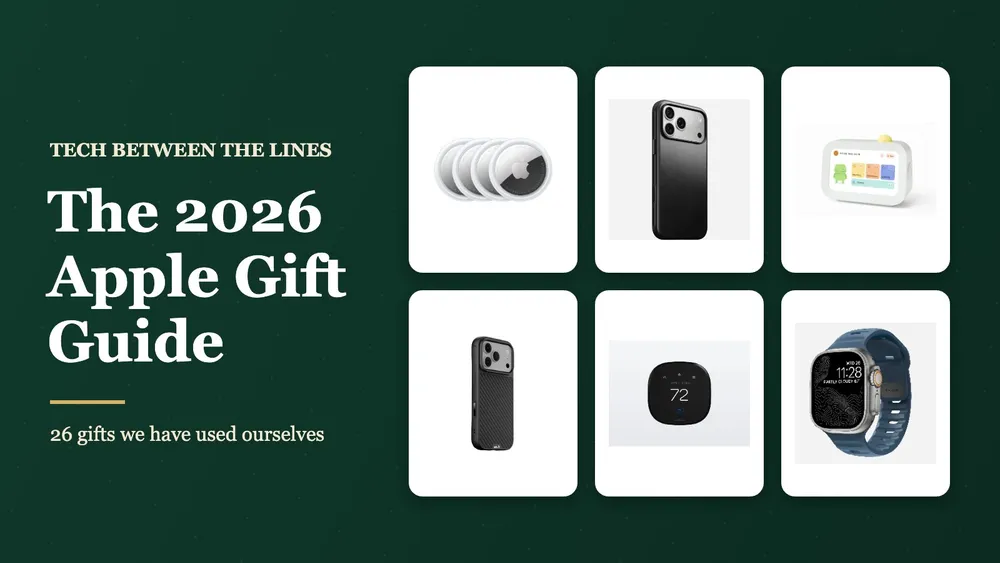
Tech Between the Lines graphic for the 2026 Apple Gift Guide, with AirTag, a Nomad leather case, Skylight Buddy, a Mous Limitless case, an ecobee thermostat and an Apple Watch

Buying Guides

The 2026 Apple Gift Guide: The Best Gifts for Every Apple Fan

Twenty six gifts for the iPhone, Apple Watch and Mac people in your life, from AirTags and cases to a MacBook Air. We've used every pick, and we say which ones brands sent us for testing.

By Justin Scharlemann · Nov 12, 2026 · 7 min read


Tech Between the Lines graphic: early Black Friday 2026 Apple deals, including AirPods Pro 3, AirTag 4-pack, MacBook Air (M5), iPad Air (M4) and Apple Watch Ultra 3

Buying Guides

Early Apple Black Friday Deals 2026: AirPods Pro 3, AirTag, MacBook Air and More

By Justin Scharlemann · Nov 1, 2026
The 14-inch and 16-inch MacBook Pro with PROLED XDR Display

Buying Guides

Which MacBook Pro Should You Buy? M6, M5 Pro or the New PROLED Touchscreen

By Justin Scharlemann · Oct 29, 2026
A runner wearing Apple Watch Series 12 sprints on a track

Buying Guides

Which Apple Watch Should You Buy? SE 3 vs Series 12 vs Ultra 4

By Justin Scharlemann · Oct 29, 2026
A person sitting by a window reading on the new iPad mini

Buying Guides

New iPad mini vs. Old iPad mini: Which One Should You Buy?

By Justin Scharlemann · Oct 27, 2026

Free newsletters Two emails, zero noise

Know before you tap Update.

Should I Update? checks every iOS release and tells you what it fixes, what it breaks, and whether to install it. The Cupertino Chronicles picks the one Apple story worth your time each Thursday.

Both are free. Unsubscribe whenever, no hard feelings.

Free membership

Free forever

Tech Between the Lines Tech Between the Lines

Independent Apple news and analysis from people who read the release notes.

X Facebook Bluesky Threads YouTube Instagram Add as preferred source
  • Explore
  • iOS 27
  • iPhone
  • Mac & iPad
  • Wearables
  • Reviews
  • How-Tos
  • All Topics
  • Resources
  • iOS Tracker
  • iOS 27 Problems and Fixes
  • Apple Service Status
  • Free Printable Guides
  • Software Updates
  • Gear Picks
  • Newsletter
  • Company
  • About
  • Contact
  • Meet the Team
  • Work With Us
  • Pitch Your App
  • Media Kit
  • Support Our Work

Affiliate Disclosure · Editorial Standards · Privacy Policy

© 2026 Tech Between the Lines. All rights reserved. Published with Ghost and Meridian.