


Section archive
How To
Step by step help for the Apple gear you already own. Settings worth changing, features that hide in menus, and fixes for the things that break after an update, written so you can follow along with your phone in hand.

How To
New Touchscreen MacBook Pro? Change These Settings First
By Justin Scharlemann

Hidden in Plain Sight
Hide Distracting Items in Safari: How to Clean Up Cluttered Webpages
By Justin Scharlemann

Smart Home
Getting Apple HomeView Friday? What to Do Before You Set It Up
By Justin Scharlemann

Hidden in Plain Sight
Check In on Apple Watch: How to Let Someone Know You Got Home Safe
By Justin Scharlemann
How To
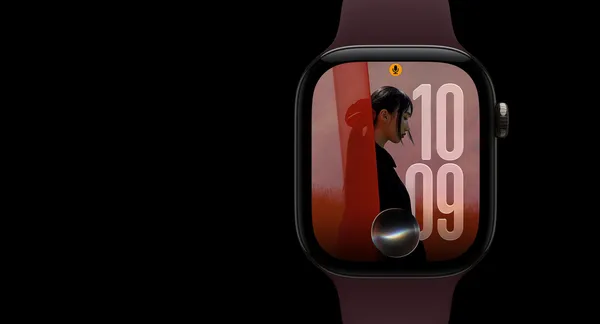
watchOS 27: 10 Settings to Change First on Your Apple Watch
By Justin Scharlemann
Hidden in Plain Sight
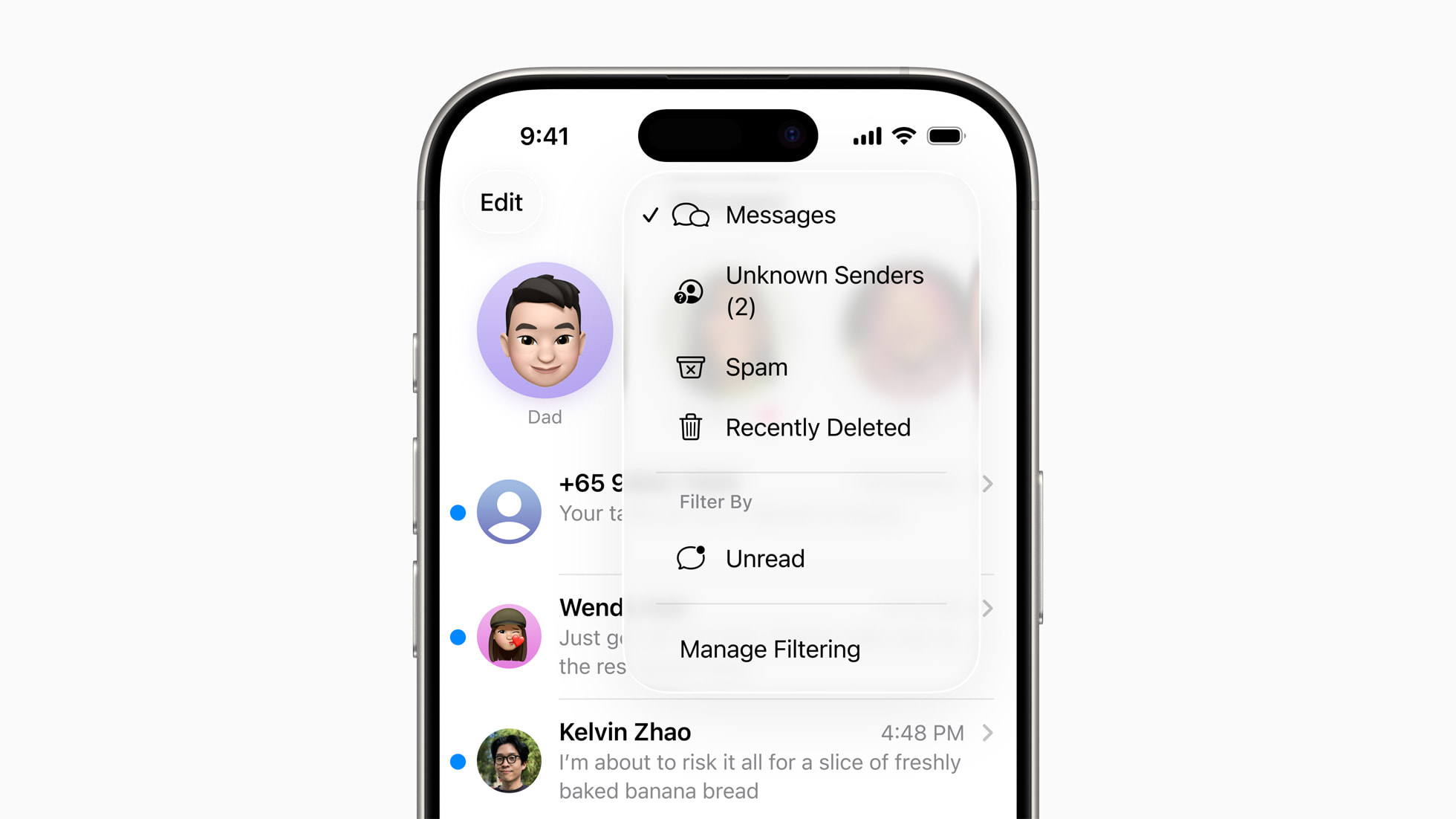
How to Screen Texts From Unknown Senders on Your iPhone
By Justin Scharlemann
How To
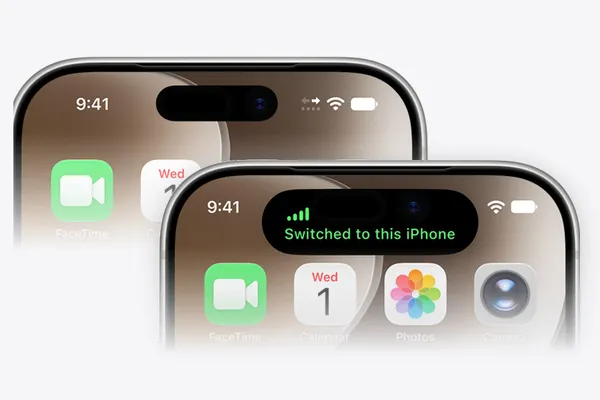
How to Use iPhone Handoff: One Phone Number on Two iPhones in iOS 27
By Justin Scharlemann

Wearables
Apple Watch Readiness, Explained: What the 0 to 10 Score Measures and When to Trust It
By Justin Scharlemann

How To
How to Switch From Siri AI Back to Siri Classic in iOS 27
By Justin Scharlemann
 Video
iPhone
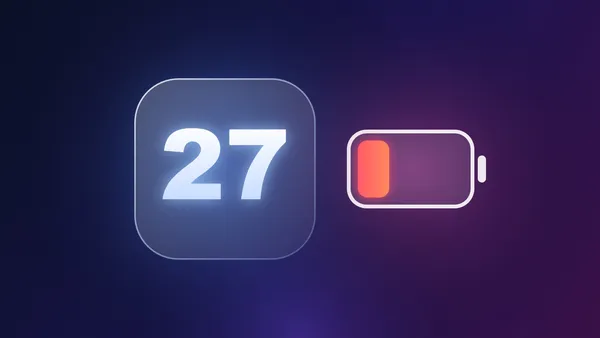
iOS 27 Battery Drain: How to Tell If Your iPhone Is Still Finishing the Update
By Justin Scharlemann
iPhone
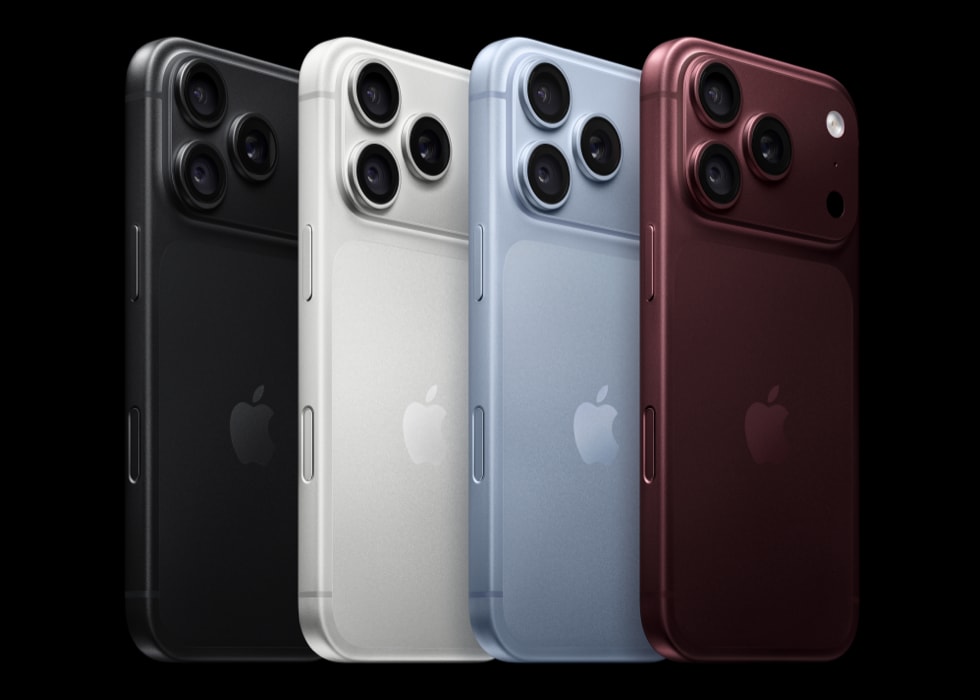
iPhone 18 Pro Setup: 13 Settings to Change First in iOS 27
By Justin Scharlemann

iPhone
How to Set Up Your Kid's iPhone in iOS 27, Step by Step With Apple's New Family Guide
By Justin Scharlemann
iPhone
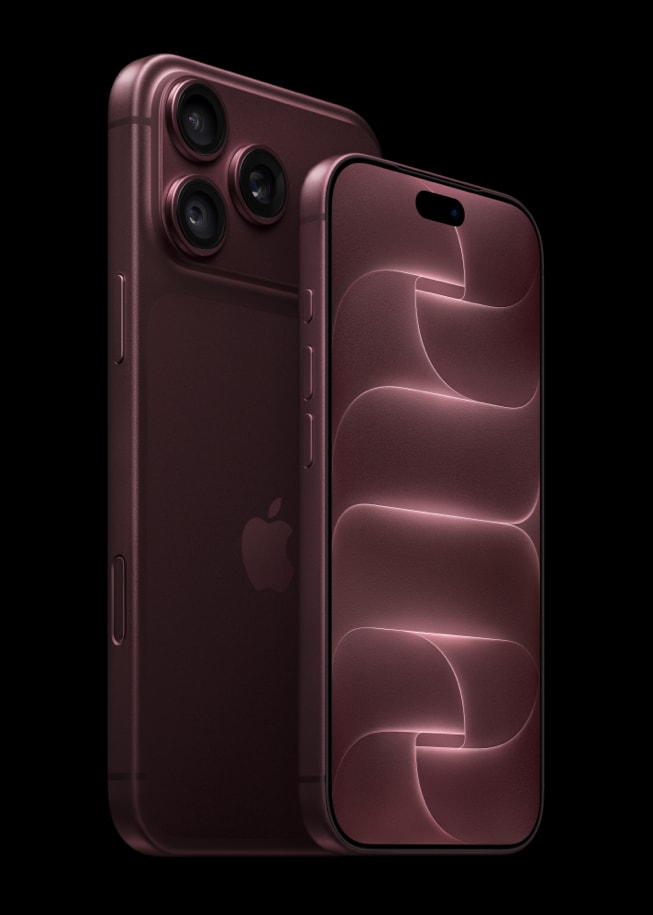
Setting Up a New iPhone? Do It in This Order
By Justin Scharlemann
Apps & Services
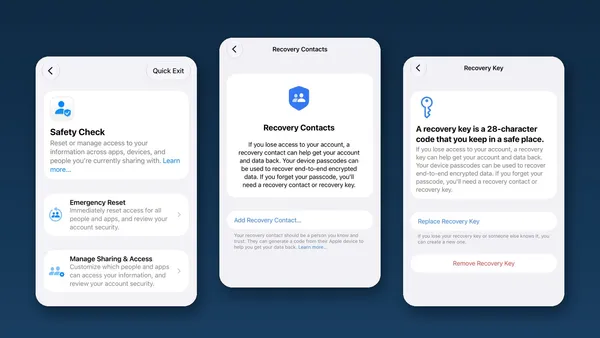
How to Secure Your Apple Account: The 8 Settings That Stop Most Takeovers
By Justin Scharlemann
iPhone
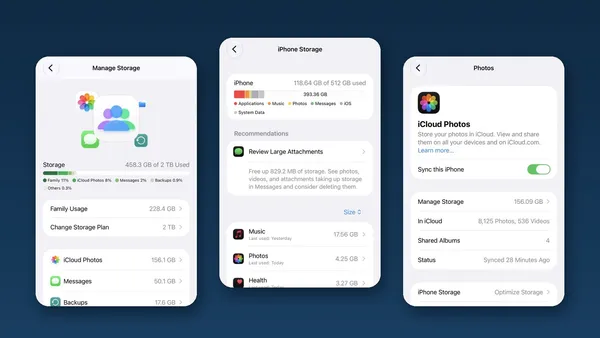
iPhone Storage Full? 7 Fixes That Free the Most Space in iOS 27
By Justin Scharlemann
Smart Home
How to Set Up an iPhone for an Older Parent: The 10 Settings That Matter Most
By Justin Scharlemann

Smart Home
How to Get Your Apple Home Ready Before October 13: Home Hubs, Updates and a Quick Cleanup
By Justin Scharlemann
23 stories