




Welcome back to The Cupertino Chronicles.
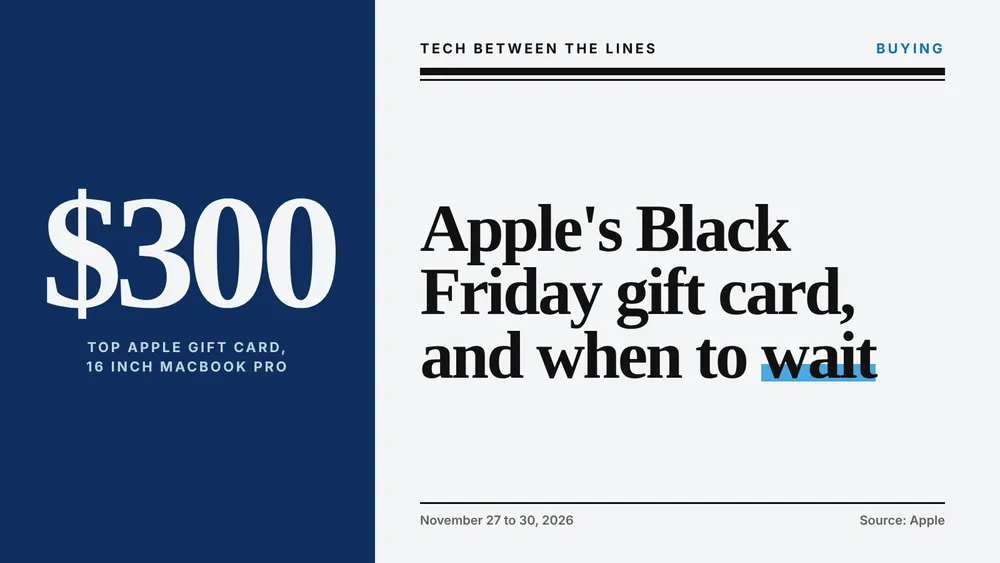
Apple's Black Friday offer starts tomorrow, and the list of what qualifies says more than the gift cards do. Buy an eligible product from Apple between Friday and Monday, November 30, and you get an Apple Gift Card worth $25 to $300, with the top card on a 16-inch MacBook Pro with M5 Pro or M5 Max.
Now look at what's missing. iPhone 18 Pro, iPhone 18 Pro Max, iPhone Duo, the M6 MacBook Pro and the new iPad mini aren't on Apple's list. Neither are iMac, Mac Studio or Apple TV 4K. The cards sit on older chips and cheaper gear, and this fall's headliners stay at full price.
The card isn't a discount, either. Apple's terms say it's for future purchases only, and returning the product after spending the card takes its full value off your refund. Hold it until the gift is staying.
If you were buying an eligible product from Apple anyway, wait for Friday. If not, compare it with a straight price cut elsewhere, because $200 you can only spend at Apple is worth less than $200 off. This weekend I'm watching whether Amazon and Best Buy cut the M6 MacBook Pro, since Apple won't.
The Two Minute Check for a Parent's Apple Watch
Fall Detection turns itself on at 55, but it can only text the family it knows about.

Dates to know
|
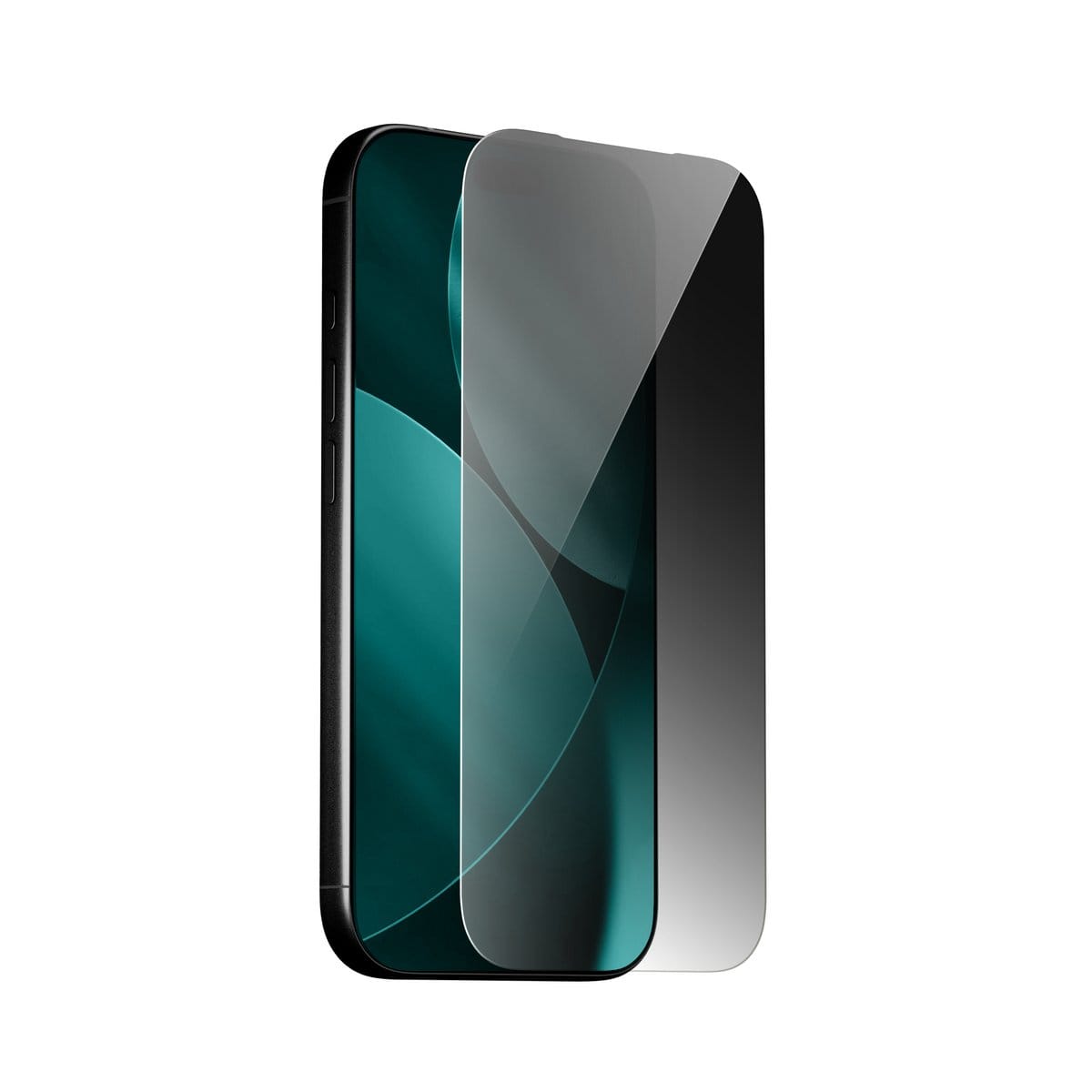
Holiday travel can put a stranger in the next seat for hours. Mous's Privacy Screen Protector darkens the screen from the sides and stays clear straight on, in iPhone 18 Pro and Pro Max sizes.
Sponsored and affiliate links help keep The Cupertino Chronicles free. Partners are picked to fit the issue and never shape what I write.
Doing family tech support this weekend? Set Up Mom and Dad's iPhone makes a parent's iPhone easier to read and harder to scam. Grab it free.
Signal Shuts Siri AI Out of Your Chats: Signal 8.37 blocks screenshots on iOS 27 by default so Siri AI can't capture your chats. On a Mac, add Signal to Excluded Apps under System Settings > Siri. Full story →
Gemini Now Works Your Mac Apps: Gemini for Mac can now operate desktop apps on paid Google AI plans. Check System Settings > Privacy & Security for what you granted. Full story →
Second 27.3 Public Betas Are Out: They add Siri AI's daily limits and the Mac's new app control permission. Skip them unless you test on a spare device. Full story →
👁 One Thing Worth Watching
Apple's own agent: A job listing on Apple's site describes an AI agent that "can use a computer the way a capable person does." That needs the app access macOS 27.3 now puts behind more prompts. Watch whether Apple's own agent has to ask the way Gemini does.
📌 On the record: By March 31, 2027, Apple won't have shipped a documented way for apps to opt out of Siri AI reading their screens, which Signal asked for on November 20. I'll check on April 1.
New: add your devices to your account
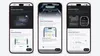
You can now tell us which Apple gear you use in your TBTL account, and we'll use it to flag the updates, problems and guides that apply to what you own.
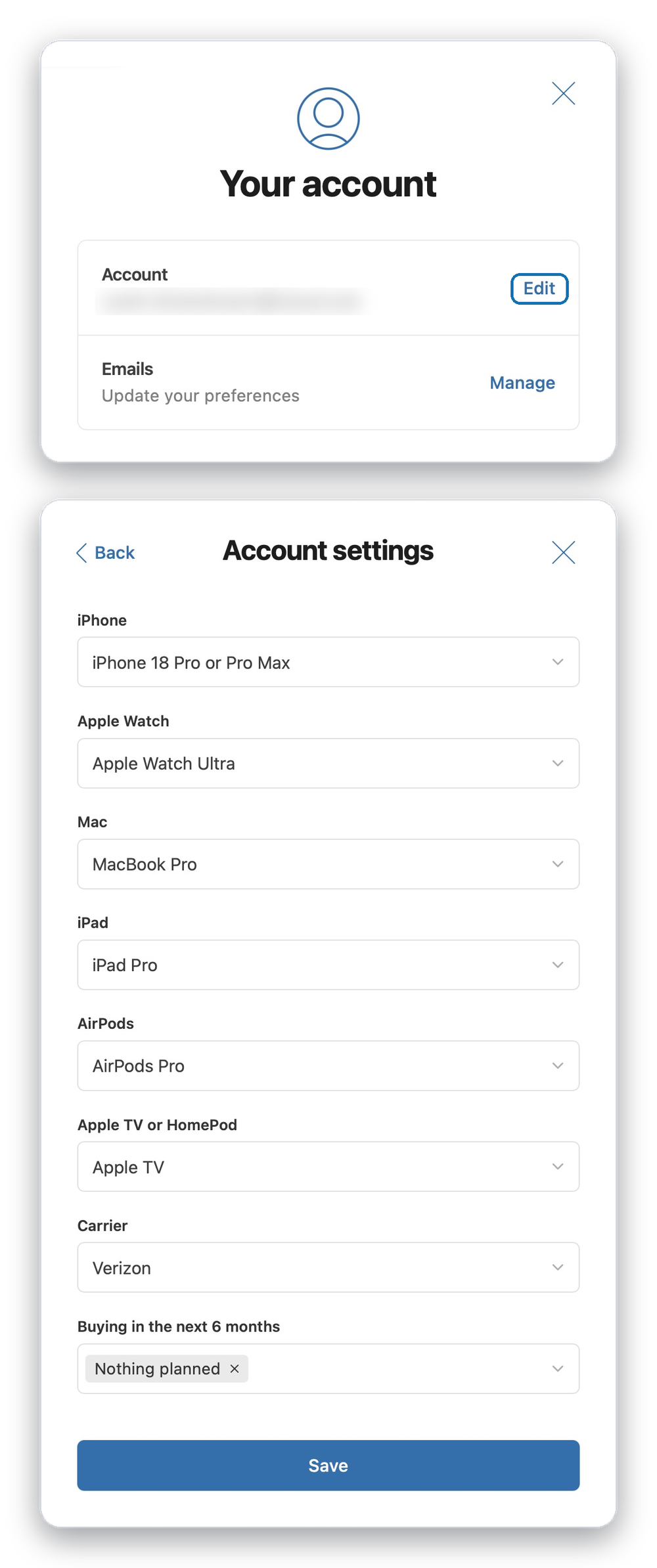
- Open your account with the button below. Sign in if it asks.
- Next to Account, tap Edit.
- Pick your iPhone, Apple Watch, Mac, iPad and AirPods from the lists. There are also spots for your carrier and anything you plan to buy in the next six months. Skip whatever you like.
- Tap Save.
Your answers stay private. Sponsors only ever see totals, like how many readers use an iPhone 18 Pro, and you can change or clear any of it later from the same screen.
|
Pass it on Forward this to your family's tech support person. Send it to the person who just asked you to fix their phone. | ||||||
| ||||||
|
Or share it
| ||||||
|
Forwarded this by a friend? Get The Cupertino Chronicles free, plus Should I Update? alerts the day Apple ships. |
 Threads
 X
 Bluesky
 LinkedIn
 Reddit
 Read on the web
Closing Thought
Thanksgiving turns a lot of us into the family's Apple support desk for an afternoon. Fall Detection is my first stop this year, then whatever's making the iPad beep.
What's the one Apple setting you always end up fixing for family over the holidays?
Tell me in the comments below. I read every one, and the sharpest answers (first name only, with your OK) run in next week's issue.
Justin
The Cupertino Chronicles lands every Thursday morning.










Comments