


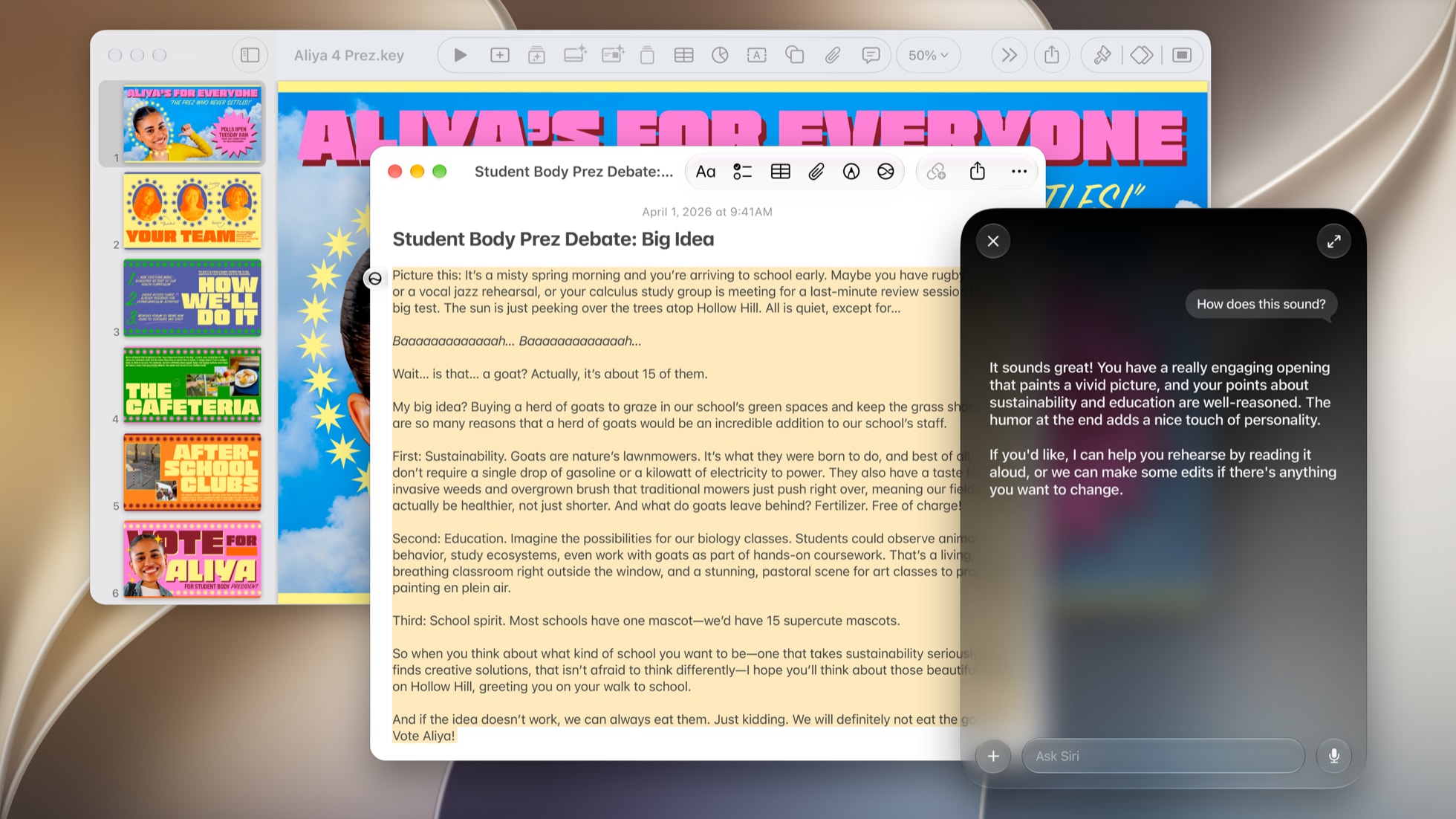


Siri AI has felt unlimited since it arrived with iOS 27. That changes with iOS 27.3. The second 27.3 betas for iPhone, iPad and Mac, released on Monday, November 16, put daily limits on the Siri AI and Apple Intelligence features that run on Apple's servers, and the way to get more is an iCloud+ plan you may already pay for, MacRumors and 9to5Mac report.
Most people won't notice. If you lean on Siri AI for longer requests or make a lot of images, it's worth checking your iCloud+ plan before iOS 27.3 ships in December. Apple first said in June that some iOS 27 features, image generation among them, would have daily limits, with more for iCloud+ subscribers. The betas are the first look at how that works.
What Counts Against the Limit
Four kinds of requests count. Siri AI requests that use your personal context or take several steps are the big one. 9to5Mac's example is finding a dinner reservation in your email and adding it to Calendar. Image tools count too: Image Playground, plus Clean Up, Extend and Reframe in Photos. So do Shortcuts that use Apple's cloud models, and third party apps that use Apple Foundation Models in Private Cloud Compute.
Basic Siri stays free. Setting a timer or an alarm doesn't count, and those requests keep working after you hit a limit.
Each device gets its own free daily allowance, so your iPhone, iPad and Mac each have their own. Apple doesn't publish the numbers, and they can change with the feature, how complex the request is and how busy Apple's servers are. Limits reset daily, in most cases around midnight in your time zone, and whatever you don't use doesn't roll over. According to 9to5Mac, you get a warning inside the feature as you get close, and when you hit the limit you're asked to wait for the reset or upgrade.
What iCloud+ Gets You
Your device spends its free allowance first, then draws on extra capacity from your iCloud+ plan. Existing plans get the higher limits at their current prices:
- 50GB ($0.99 a month): no increase
- 200GB ($2.99 a month): up to 2x
- 2TB ($9.99 a month): up to 5x
- 6TB ($29.99 a month): up to 10x
- 12TB ($59.99 a month): up to 20x
That extra capacity is one shared pool. It covers every device signed in to your Apple Account and everyone on your Family Sharing plan, first come, first served. A family of four on 200GB shares the same 2x headroom, so the person who makes the most images can use it up for everyone that day.
To see which plan you're on, open Settings, tap your name, then iCloud. If you pay for 200GB or more, you already have the higher limits and don't need to do anything. If you're on 50GB or the free 5GB and use Siri AI heavily, the 200GB plan is the cheapest way to double your headroom, and you get the storage too.
What Apple Still Hasn't Said
The biggest open question is the size of the free allowance, which Apple isn't sharing. Nothing reported so far mentions a place in Settings to see how much you've used. And the limits come from the beta, so they can change before release. Apple will likely adjust them during testing.
The shift is still clear. The basic assistant stays free, and the expensive cloud work now has a meter, tied to the subscription Apple already sells. We'll update this when Apple publishes its own support page on the limits, and you can follow the rest of the release in our iOS 27.3 beta 2 roundup and our guide to everything Siri AI can do in your apps.





Comments