


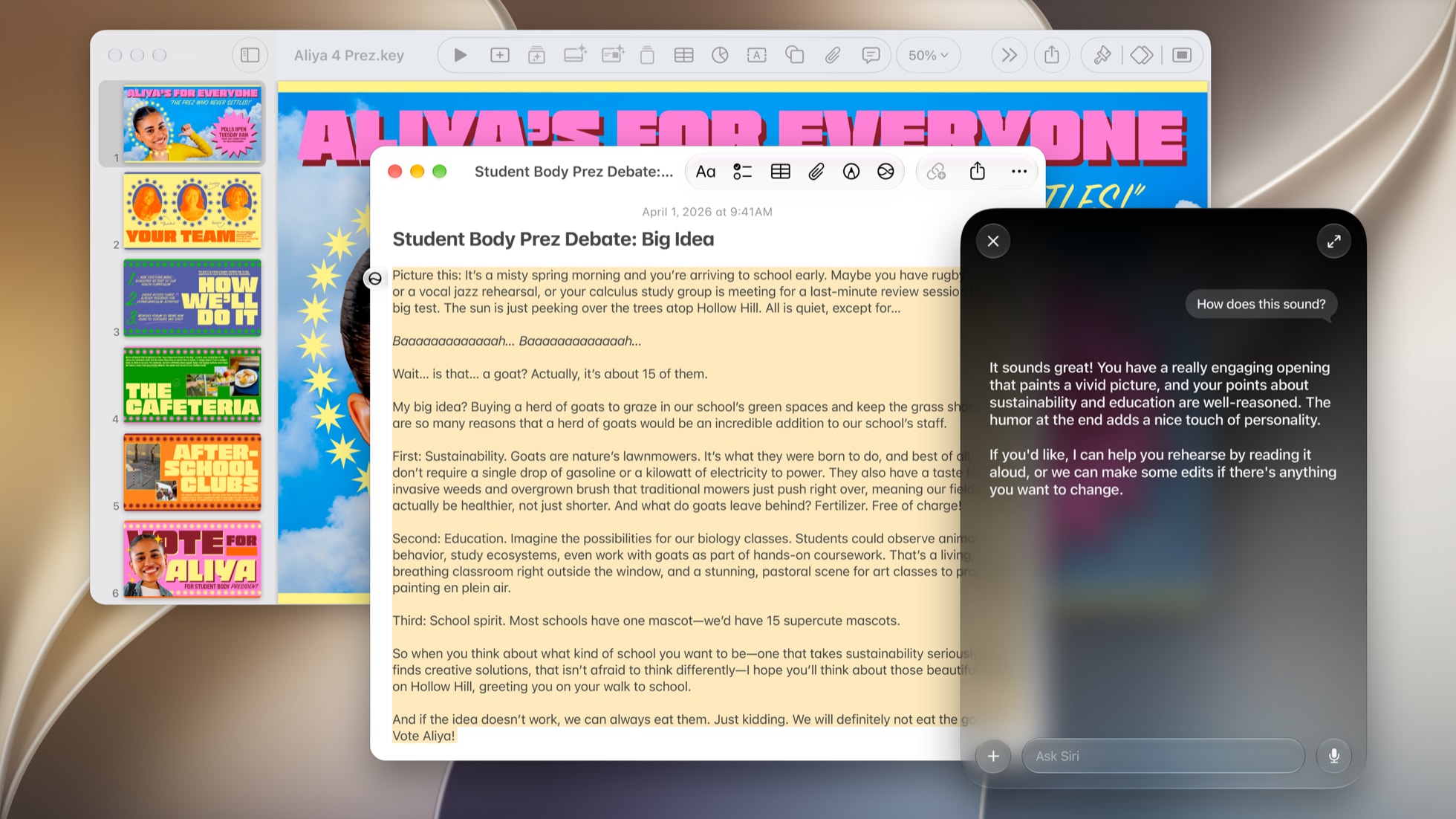


When Apple shipped Siri AI in September, the pitch was that Siri could finally do things for you inside your apps, not just answer questions. In practice, the list of things it could actually do was short. iOS 27.3 beta 1 is the first update that makes that pitch feel real. Siri AI can now take actions across 15 of Apple's own apps, from scheduling an iMessage to unsubscribing you from a mailing list to building a playlist from a description, and Apple is opening the same system to outside developers.
Here's everything Siri AI can now do, app by app, with examples of what to ask, plus what it still can't do and what the third party piece means for the apps you use every day.
How Siri AI actions work
Siri AI runs on Apple's App Intents system, which lets an app tell Siri exactly what it can do: create an event, send a file to the trash, favorite a photo. Siri reads those actions and strings them together from a normal request, so you don't need to memorize commands. Until now, Siri AI could only handle actions that fit a fixed set of templates Apple defined. With iOS 27.3, Apple says any action an app builds can work with Siri AI, and Siri can now find any item in Spotlight's index, not just the kinds Apple planned for. Apple's own apps are the first to use it, and Apple's examples include finding a coffee shop you visited last week and archiving files you haven't opened in more than a year.
The easiest way to find what's new is to ask. Apple says you can ask Siri AI what it can do in any of these apps, and it will tell you, which beats guessing at commands.

Everything Siri AI can do in iOS 27.3, app by app
Apple's own apps with new Siri AI actions in beta 1 are Calendar, Files, Finder, Journal, Mail, Maps, Messages, Music, Notes, Photos, Preview, Reminders, Safari, Shortcuts and Weather, according to MacRumors and 9to5Mac. Finder and Preview are Mac apps, so those actions arrive with macOS Golden Gate 27.3.
Messages
Messages gets some of the most useful additions. Siri can schedule an iMessage to send later, edit or unsend one you just sent, and react to a message with a Tapback emoji. Scheduling is the standout, because it saves digging through the plus menu when you remember a birthday text at midnight.
For example, you could ask: "Text Sarah happy birthday tomorrow at 8 a.m." or "Unsend my last message to Mom."
Siri can unsubscribe you from a mailing list and undo a message you just sent. Unsubscribing by voice is the kind of chore that adds up: you can clear out a promotional email while it's on screen without hunting for the tiny link at the bottom.
For example, you could ask: "Unsubscribe me from this" while an email is open, or "Undo send."
Calendar
Siri can now create fuller events in one request, with invitees, a location and a video call link, instead of a bare title and time you fill in later.
For example, you could ask: "Set up a video call with Alex and Jamie Thursday at 2 called Q4 planning."
Reminders
For the first time, Siri can create urgent reminders, the ones that break through like an alarm instead of sitting quietly in a list.
For example, you could ask: "Remind me to move the car at 7:45, and make it urgent."
Music
Siri can build a playlist from a description and save it to your library, so a request like "make me a playlist for a day at the beach" ends with something you can come back to, not just whatever starts playing.
For example, you could ask: "Make a playlist of upbeat songs for a road trip and add it to my library."
Photos
Photos gets a big set of actions. Siri can favorite photos, rotate and edit them, and rename the people and pets the app has recognized. Renaming is handy when the People album is full of unnamed faces.
For example, you could ask: "Favorite this photo," "Rotate this to the left," or "Name this person Grandpa Joe."
Notes
Siri can write a new note with bold, italic and other rich text formatting, and organize your folders, instead of dumping plain text into whatever note is open.
For example, you could ask: "Start a note called Packing List with a bold heading for each bag."
Journal
Journal works with Siri AI for the first time. You can dictate an entry as text or record an audio entry, which makes a quick end of day entry something you can do while walking the dog.
For example, you could ask: "Start a Journal entry about today."
Files and Finder
Siri can now handle real file management: get the contents of a file, create files and folders, rename things, move items to the trash and organize a folder by type. On the Mac, the same actions work in Finder.
For example, you could ask: "Make a folder called Taxes 2026 in my Documents and move these PDFs into it."
Safari
Siri can manage tabs and windows, close duplicate tabs, sort tabs, delete Reading List items, clear your history for one site or a time period, and build a Tab Group from a list of links. That pairs well with the new vertical tabs layout in iOS 27.3.
For example, you could ask: "Close my duplicate tabs" or "Clear my history from the last hour."

Weather, Maps, Preview and Shortcuts
Weather gets actions for adding a city to your list and controlling weather notifications. Maps, Preview and Shortcuts also have new Siri AI actions in beta 1, and asking Siri what it can do in each is the quickest way to see them. One of Apple's own examples, finding a coffee shop you visited last week, is the kind of request Maps can now help with.
For example, you could ask: "Add Denver to my weather list" or "Turn off rain alerts."
Siri can chain actions across apps
The real step up is that these actions don't live in separate boxes. Because Siri AI also understands what's on your screen and what's in your messages, email and photos, it can combine them. Apple's own example from September was finding a recipe in an old email and adding the ingredients to Reminders. With more actions available in more apps, requests like "Make a playlist from the songs Chris texted me and send it to him" are the kind of thing Apple is building toward.
Siri AI is now open to every app
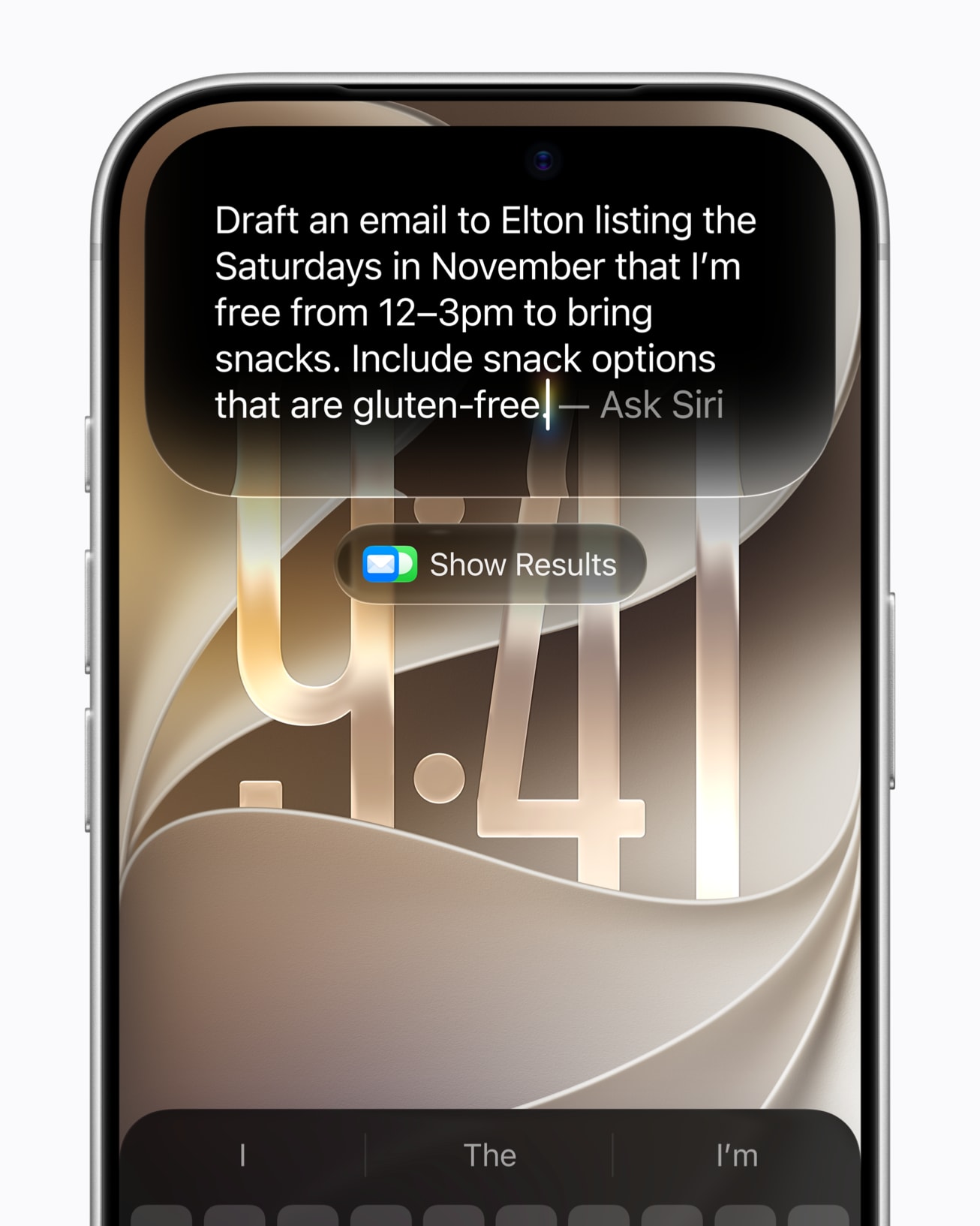
The bigger news landed on Apple's developer site the same day. Starting with the 27.3 betas, a Developer Preview lets any developer connect their app to Siri AI. Before this, outside apps could only plug in where their actions matched Apple's templates, which is why the list was short: WhatsApp and Audible worked, with Microsoft Outlook, Notability and Tripsy announced as coming. Now an app can expose its own custom actions, so Siri could check a delivery, book a table or place an order in whatever app you use for those, in your own words.
Apple is also adding skills, which let a developer teach Siri how to string several of their app's actions together for a more complicated request. That's what turns "open the app and tap through four screens" into one sentence.
Don't expect it in your favorite apps right away. Apple calls this an early preview, says it will first ship to customers "in a few months," and won't open App Store submissions for these integrations until the spring. So iOS 27.3 is when Apple's own apps get smarter, and the apps you use for banking, travel and work follow later. The ones that move first are the ones to watch.
What Siri AI still can't do
Apple has announced that Siri will be able to understand the full contents of web pages in Safari, including tabs you aren't looking at, so you could ask it to compare prices across several shopping tabs. That isn't in beta 1. Siri AI is also still unavailable in mainland China, where iOS 27.3 brings Apple Intelligence without it, and it isn't available on iPhone in the EU yet. Server side features like Siri AI also have daily usage limits, and Apple has said expanded access will cost extra in the future.
Which devices and languages work
Siri AI needs a device that supports Apple Intelligence. Apple lists iPhone 16 or newer, and iPads and Macs with M1 or later. iOS 27.3 adds Traditional Chinese, Vietnamese, Turkish and Norwegian, on top of English and the languages that came in iOS 27.2. Apple says requests are handled on device or through Private Cloud Compute, where your data isn't stored or made available to Apple.
When you can get it
All of this is in iOS 27.3 beta 1 for developers now, with a public beta likely within a week or two. Apple has said iOS 27.3 will be released to everyone in December. For everything else in the update, see what's new in iOS 27.3 beta 1.
Which of these would you actually use? Scheduling texts and killing mailing lists are already winning for us. Tell us yours in the comments.







Comments