




If you bought Final Cut Pro outright, Wednesday's update is a real one for you too. Final Cut Pro 13 reached the Mac App Store on Wednesday, November 18, along with Motion 7 and Compressor 6, and the App Store lists all three as updates to the same $299.99 and $49.99 apps people already own. MotionVFX and image generation, the features Apple led with on October 27, are a different story: Apple pitched them for Apple Creator Studio, and the App Store release notes for the one-time version don't mention either one.
Before you click Update, back up. Apple's support page on backing up Final Cut Pro says to compress your current copy of the app into a ZIP file, keep it in a folder named for its version, and copy your libraries to a separate drive or let Time Machine cover them. If version 13 breaks a plug-in you depend on mid-project, you can go back to the old app. Some of the new features also need macOS 27, so check your macOS version first.
What Final Cut Pro 13 adds for everyone
The release notes list four changes. You can now disconnect a clip from the primary storyline so it stays put. Keyframe easing gets finer control over speed, position, scale and other properties. Captions and transcript search work in 23 more languages. And you can edit Cinematic mode video recorded in Final Cut Camera, including focus points and depth of field. Apple says some of these require macOS 27 or later.
Motion 7 picks up the same easing controls plus a Displacement filter for ripple, liquid and warp effects. Compressor 6 can encode video with Cinematic mode effects, which needs macOS 27, and adds HEVC export presets for social platforms, including 10-bit options for HDR.
What Creator Studio subscribers get on top
Apple's October 27 announcement said Final Cut Pro for Mac in Creator Studio would build in thousands of MotionVFX elements, plus tools for rotoscoping, tracking and color grading. It's the payoff of a deal we covered when Apple bought MotionVFX in March.
On iPad, where Final Cut Pro comes with Creator Studio, the app moved to version 4.0. Its release notes add the Content Hub with Apple-curated stock video, photos and backgrounds, image generation from a text description inside a project (marked as needing a subscription), sending timeline images to Pixelmator Pro and back, and a Liquid Glass redesign that gives the timeline more room. The new caption languages and Cinematic editing need iPadOS 27.
Pixelmator Pro 5.0, the version that comes with Creator Studio, adds Generate Fill. You select an area with the Magnetic, Free or Quick Selection tool, describe the change, and the result is built to match the lighting, perspective and texture around it. You can drop it on a new layer with a mask or merge it straight into the image. The one-time Mac version of Pixelmator Pro was still at 3.8 as of Wednesday, November 18.
Image generation counts against a monthly allowance. Apple's support document puts it at about 50 images a month if that's the only feature you use, and says the number varies. Logic Pro 13's assistant already has a $49.99 top-up pack, and Apple hasn't announced one for image generation.
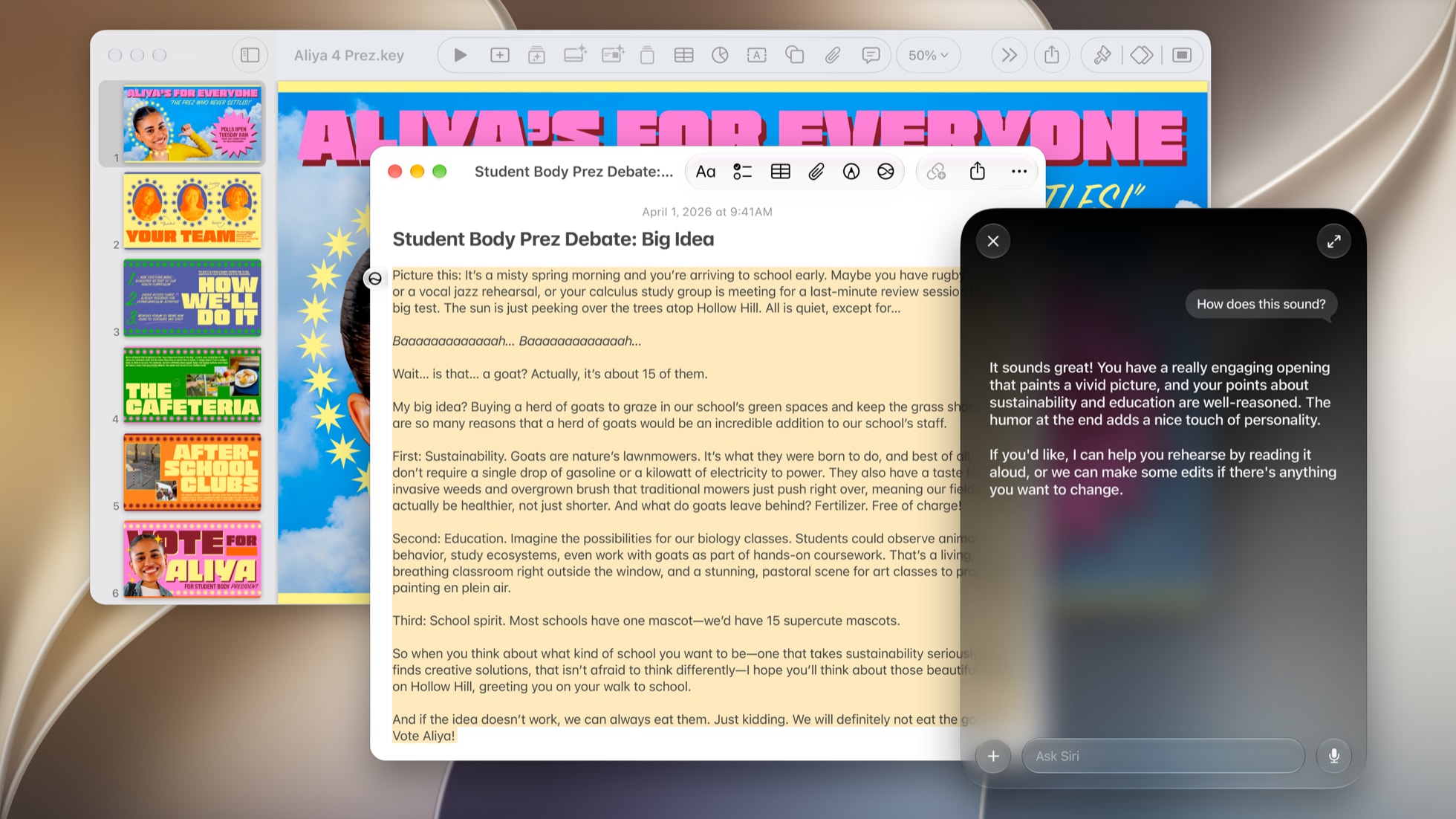
Keynote, Pages and Numbers also moved to version 16.0 on iPhone and iPad, with new themes and templates for subscribers. Keynote adds the Keynote Interchange Format (.keyx) as a beta for everyone. We covered what the Intelligent Assistant does in each app when it first arrived, and it still needs an Apple Intelligence capable device on iOS 27 or iPadOS 27 and works in US English only.
If you edit on the one-time version, back up and update. If MotionVFX was the reason you were waiting, that's a subscription decision now. Creator Studio costs new subscribers $12.99 a month or $129 a year in the US with a one-month free trial, which is enough time to see whether the built-in MotionVFX elements replace plug-ins you'd otherwise buy. Pixelmator Pro owners have the least to act on: the one-time app hasn't moved, so keep an eye on whether Generate Fill ever reaches it.








Comments