


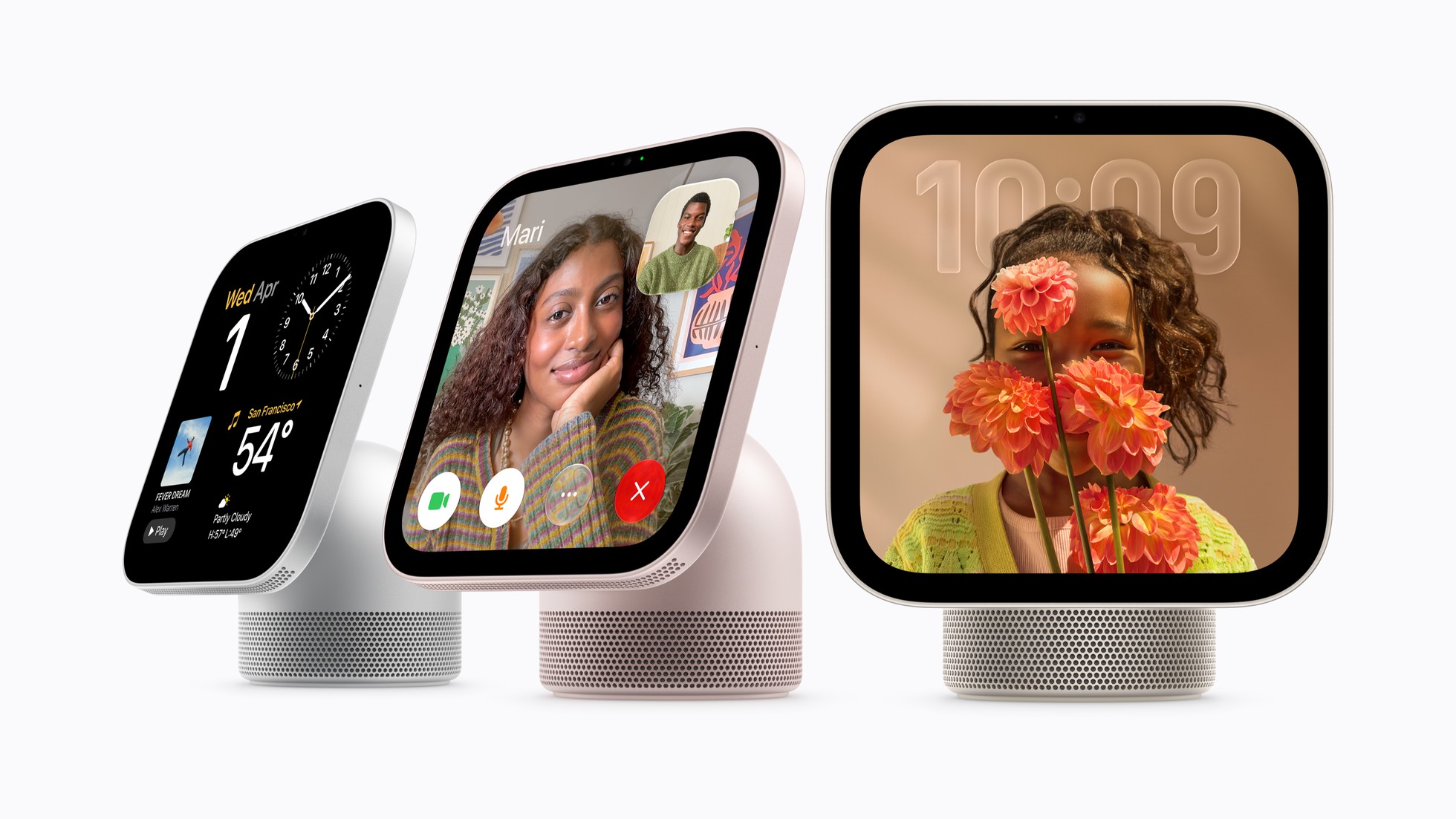


If your HomeView spent its launch weekend misunderstanding you, check its software before you decide anything. Apple released HomeView software 27.2.1 on Wednesday, November 18, the first update since the device went on sale on Friday, November 13, as 9to5Mac reported, and it's rolling out to devices now.
HomeView installs software updates automatically by default, according to Apple's update page, so many will pick it up on their own. To install it right away, open Settings on HomeView, tap System, then Software Update, and tap Update Software, then Download and Install. You can also do it from a paired iPhone or iPad running iOS 27.2 or iPadOS 27.2 or later: open the Home app, tap More, tap Home Settings, then Software Update, and tap Update Now. Keep HomeView plugged in and connected until it finishes.
Apple's release notes for 27.2.1, published by MacRumors, list three fixes. Setting up a Shared Album on the Photos face may have stopped HomeView from downloading support for Siri. Pairing with an iPhone or iPad running the iOS 27.3 or iPadOS 27.3 beta may have caused Siri requests to fail. And connecting another home hub device may have unexpectedly removed HomeView from your home. If Siri requests kept failing on yours, or HomeView vanished from your home after you added another hub, install this update before you judge it. The notes don't mention the timer and Safari failures reviewers flagged. Apple's HomeView software updates page still described only 27.2 as of Wednesday, November 18, and its security releases list had no 27.2.1 entry.
Why HomeView owners are watching this update
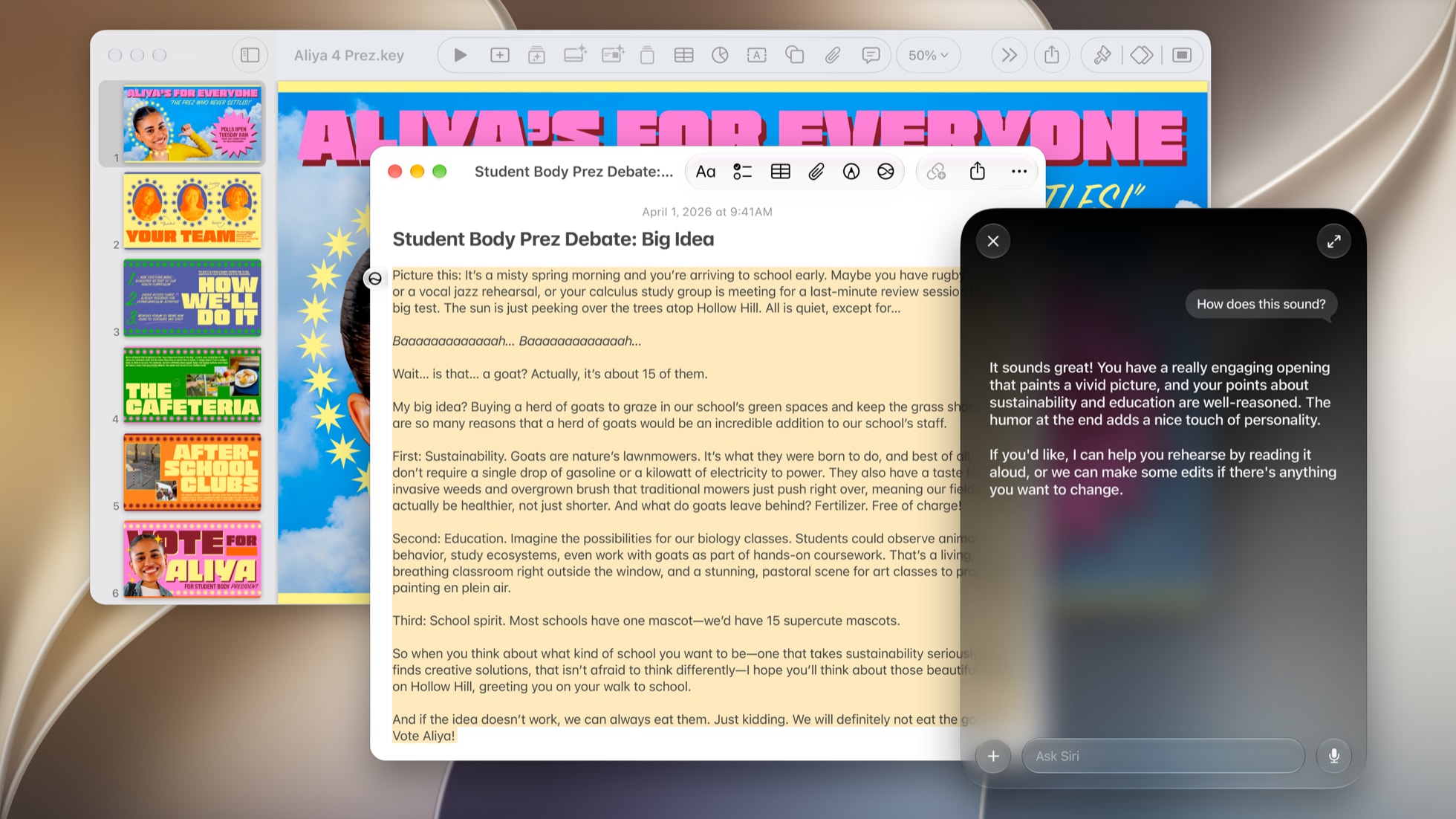
HomeView had a polarizing first weekend. Reviewers praised the design, but Siri AI, which Apple labels a beta on HomeView, took most of the criticism. A MacDailyNews roundup, citing The Mac Observer, collected the complaints: slow answers, failures with timers and Safari, few third party apps, and Gary Ng of iPhone in Canada calling Siri AI "an absolute disaster."
Some of the missing features are by design. Personal content in Messages, FaceTime, Calendar, Reminders and Find My only appears when HomeView recognizes the person in front of it and that person's paired iPhone or iPad is nearby and was recently unlocked. Personal Siri requests also need a paired device that supports Apple Intelligence. Household members with an older iPhone get the shared features only, which we laid out in our setup guide before launch. An update may speed up Siri, but the pairing and recognition requirements stay the same.
If you're deciding whether to keep it
You have more time than the usual 14 days if you ordered from Apple online. Apple's return policy says eligible products ordered from the Apple Store Online and received between November 6 and December 25, 2026 can be returned through January 8, 2027. Apple's standard window is 14 calendar days from the day you received it, so check how your purchase is covered.
That window is long enough to install 27.2.1 and use HomeView for a few weeks before deciding. Siri AI also comes with daily usage limits on Apple's server based features, which is worth knowing before you judge it by how much you lean on it in week one.
Apple has also promised Canadian French support in a free software update, and the PoE wired mount for the wall model arrives in early 2027. If Siri AI is the reason you're unsure, the holiday window gives you time to see what the next few updates bring before you decide whether to keep a $299 screen.





Comments