


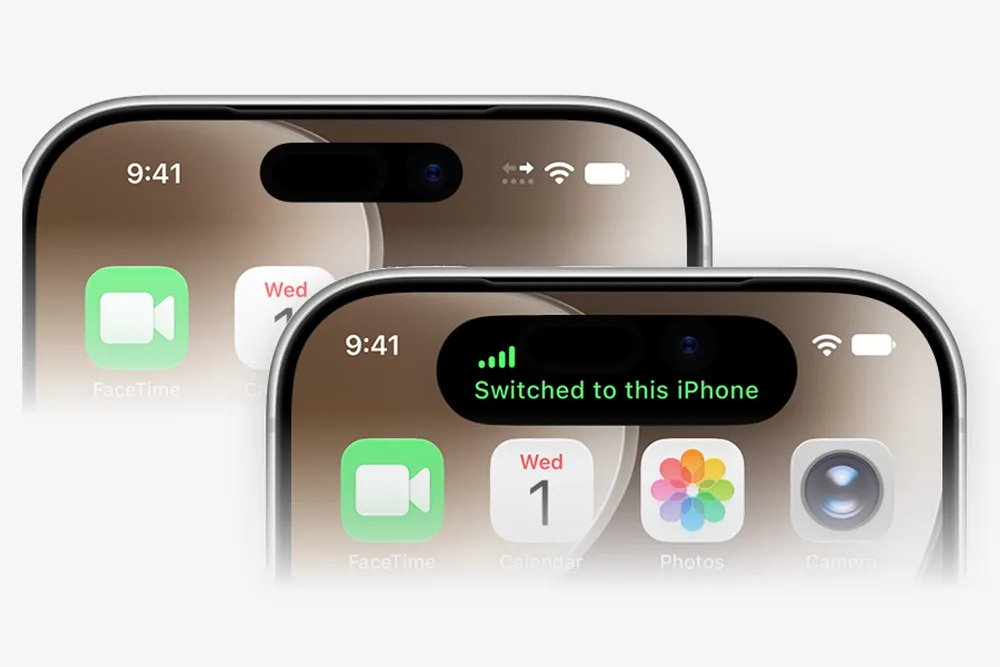


iPhone Handoff is the iOS 27 feature that lets two iPhones share one phone number. Whichever iPhone you unlock becomes the one that rings, gets your texts and shows up in Find My, and the other one goes quiet until you pick it up again. It's what makes owning an iPhone Duo next to a regular iPhone practical. Whether you can use it at all, though, depends on who you pay for service, and most carriers either charge for it or don't offer it yet.
What you need
Apple's requirements, all of which have to be true before the option shows up:
- Two iPhones running iOS 27 or later.
- Both signed in to the same Apple Account, with FaceTime and iMessage signed in and Messages in iCloud turned on.
- Both connected to Wi-Fi during setup.
- An eSIM from a carrier that supports iPhone Handoff.
The eSIM requirement is where most people get stuck. Only one iPhone is active on the cellular network at a time, and the carrier has to support moving your number between them. If you're still on a physical SIM, you'll need to convert to eSIM first. iPhones sold in the US have been eSIM only for a few years now, so most US owners are already there.
Which carriers support it, and what it costs
Apple listed T-Mobile in the US and Telekom in Germany as the launch carriers. Everything else is rolling out on each carrier's own schedule, and so far nobody is offering it for free across the board.
| Carrier | Status | Price |
|---|---|---|
| T-Mobile (US) | Available now | $5 a month |
| Verizon (US) | Coming soon | $10 a month |
| AT&T (US) | No plans announced | None listed |
| Telekom (Germany) | Available now | €6.95 a month with MultiSIM, included on MagentaMobil L and XL |
| EE (UK) | Coming soon | Included on Full Works Plus, £5 a month on other eligible plans |
Status and pricing as of Oct 24, 2026, from the carriers, their spokespeople and published reports. T-Mobile's $5 add-on isn't covered by the five year price guarantee on its New Experience plans.
Verizon's $10 is double what T-Mobile charges, and it has only said the feature is coming. AT&T told CNET in September it sees "potential" in it but is focused on its existing eSIM activation and transfer options, which is a polite way of saying not yet. If you're on AT&T and planning to buy a Duo as a second phone, that matters more than any spec.
How to set it up in Settings
You set up Handoff on the second iPhone, the one that will share the number you already have. Keep both phones unlocked and nearby.
- On the second iPhone, open Settings and tap Cellular.
- Tap Set Up Cellular or Add eSIM.
- Choose Use Number on This iPhone and Another, then tap Continue.
- Review the details and tap Continue again.
- Pick your main iPhone. Choosing Other iPhone keeps the main eSIM on the phone you already use. Choosing This iPhone moves it to the phone in your hand.
- Tap Continue, then follow the prompts on both iPhones to finish.
The main iPhone choice is worth a second of thought. Call Forwarding, Caller ID settings and managing your carrier account only work on the main iPhone, so pick the one you'd reach for when you need to deal with your carrier.
How to set it up on a new iPhone
If the second iPhone is brand new, you can do it during setup instead:
- When you reach the Set Up Cellular screen, choose Use Number on This iPhone and Another.
- Tap Continue, review the details and tap Continue again.
- Follow the prompts on both iPhones.
Switching between iPhones
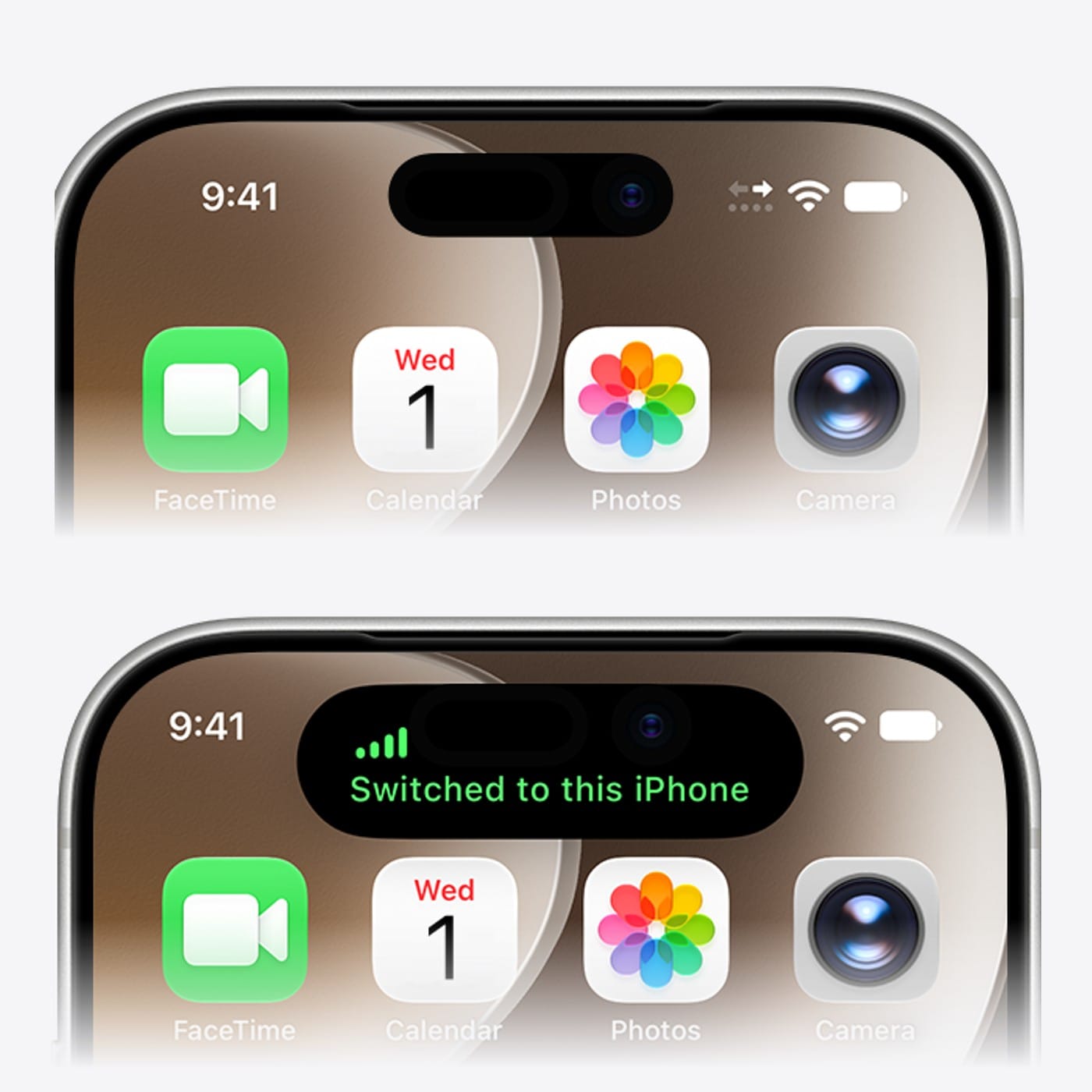
There's no button to press. Unlock the iPhone you want to use and it becomes the active one. It shows "Switched to this iPhone" at the top of the screen, and the iPhone you just left shows an arrow icon in the status bar so you can tell at a glance it isn't the one taking calls.
That's also the thing to remember day to day. If you unlock the old phone to check something, your number follows you back to it.
What moves with you, and what doesn't
Your calls, voicemail and messages follow the active iPhone, including iMessage, RCS and regular SMS and MMS. So does your Find My location. Anything synced through iCloud stays current on both phones, since both are signed in to the same account.
Third party apps are less predictable. Apple says how they behave depends on the app, and banking apps in particular may ask you to approve the new device from the other iPhone before they'll work. Expect to do that once per app.
A few other limits from Apple's support page:
- Handoff works with two iPhones, not three.
- Your Apple Watch stays paired to one iPhone and doesn't switch. Apple's advice is to pair it with the iPhone you use most.
- Payment cards in Wallet work on both phones. Some transit cards, IDs and badges only work on one device, and car keys can be shared between them.
- Dual SIM works if both eSIMs come from carriers that support Handoff. You set up each line separately, and both lines switch together.
Who it's for
Apple pitched Handoff in its iPhone Duo announcement, and that pairing is the obvious one. The Duo is a phone you might want for a long flight or a work trip and leave in a drawer otherwise, and Handoff means you don't have to choose between it and your everyday iPhone. It works with any two iPhones on iOS 27, though, so a lighter phone for runs or a beat up older model for a festival works the same way.
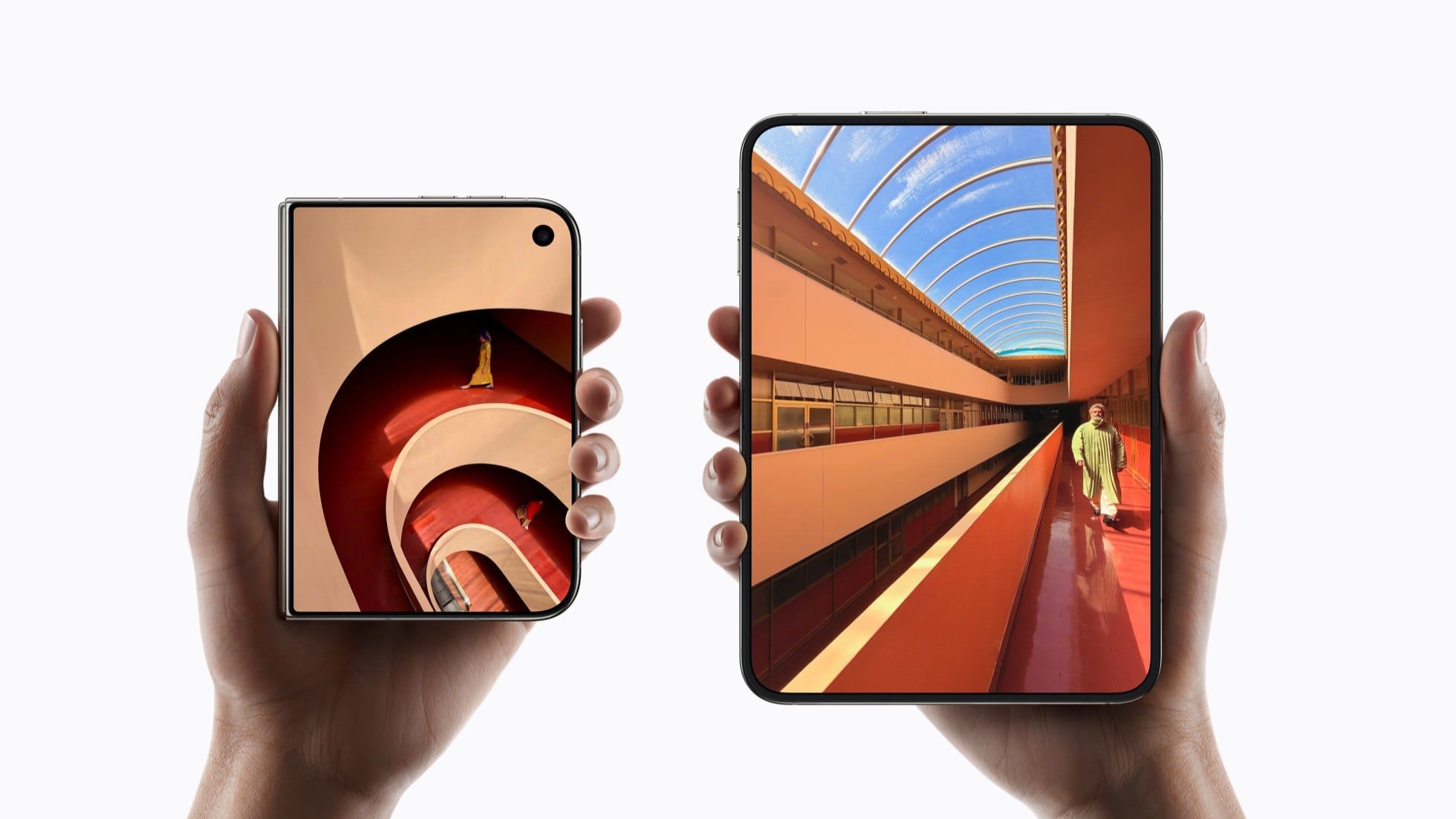
If you're still deciding on a Duo, our preorder guide has every price and configuration.
Replacing a phone or turning Handoff off
If you replace one of the two iPhones, transfer the eSIM to the new phone the way you normally would. Some carriers can't transfer from the companion iPhone, and in that case you'll need to set Handoff up again from the start.
Turning it off is a carrier job. Apple says to contact your carrier, and warns that simply deleting the eSIM from the second iPhone may not stop the monthly charge. Check your next bill if you go that route.
Handoff is a good idea held back by carrier deals, and Verizon's $10 price suggests it's going to stay a paid add-on rather than something included with your plan. Once Verizon turns it on, most iPhone owners in the US will at least have the option, and AT&T will be the odd one out.







Comments